It's simple and easy to use if you want it to be simple, but powerful if you need it to be powerful.
TextMate sort of embraces the Unix philosophy (like using filter programs), but in a native GUI application that just works really well with everything else on OS X (like seamlessly editing files on an SFTP server via Transmit, etc).
If I'm working on the command line and I want to edit a document I just type "mate filename". I can also get a file browser of a directory by typing "mate directoryname" or just "mate .", then open multiple files in tabs.
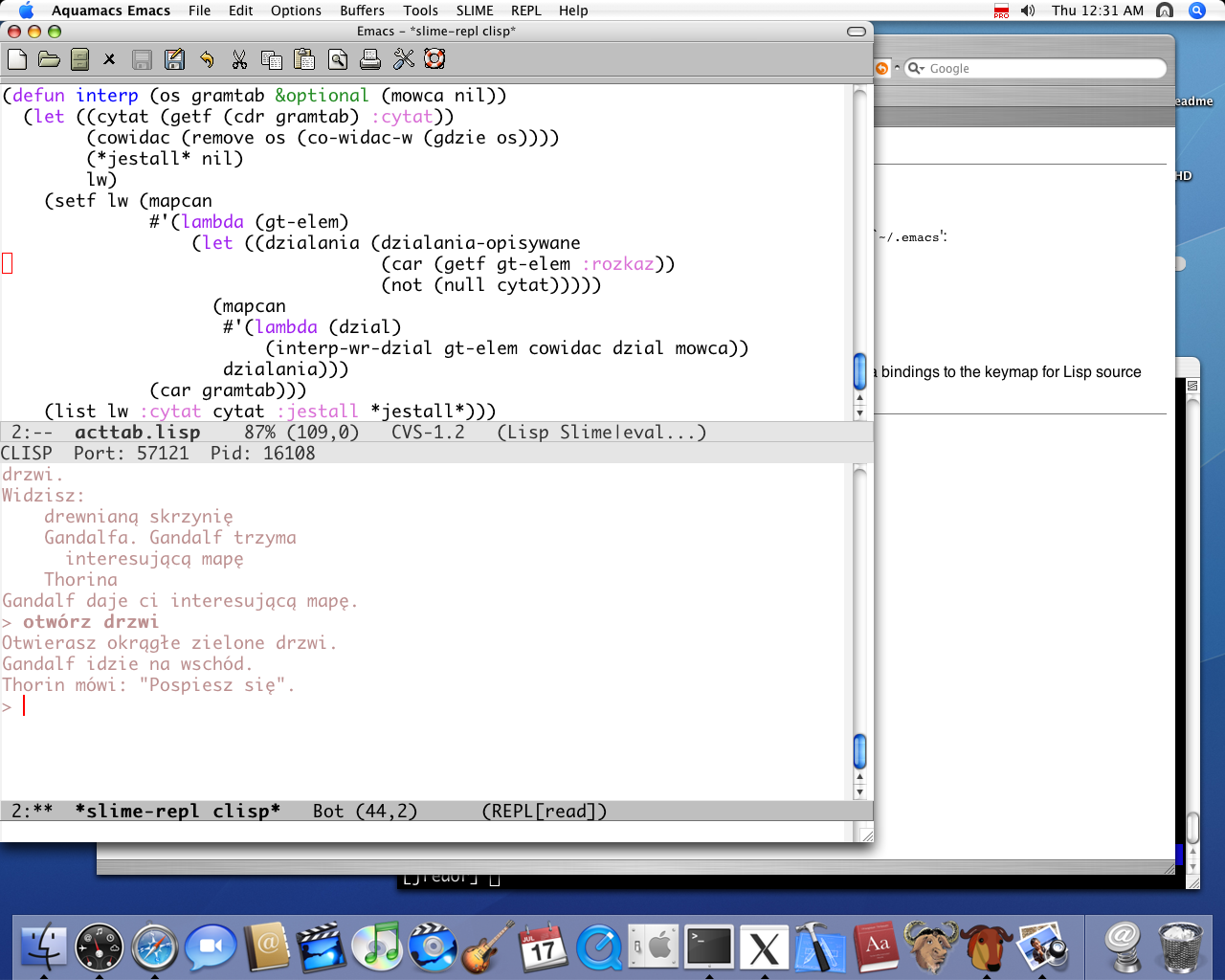
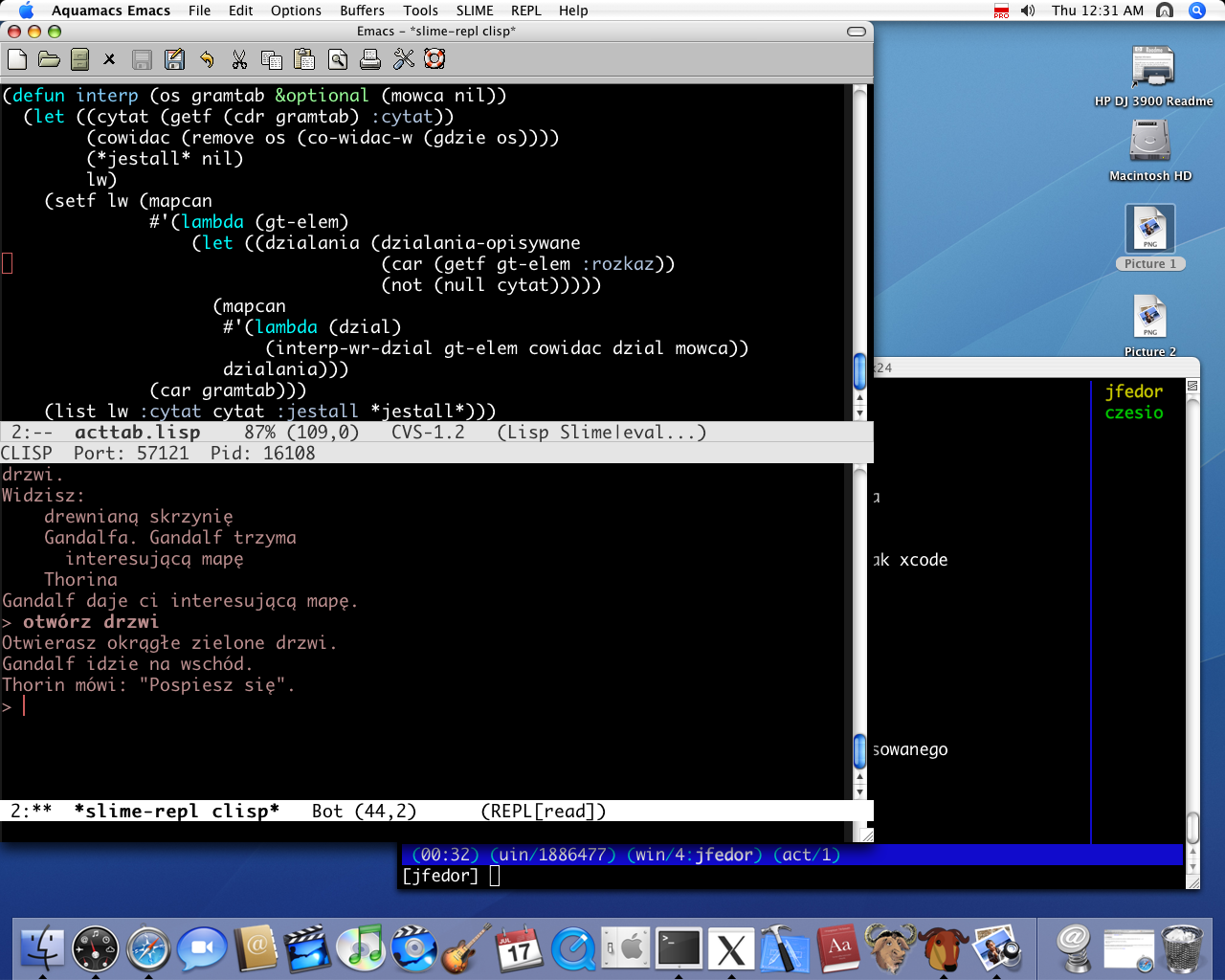
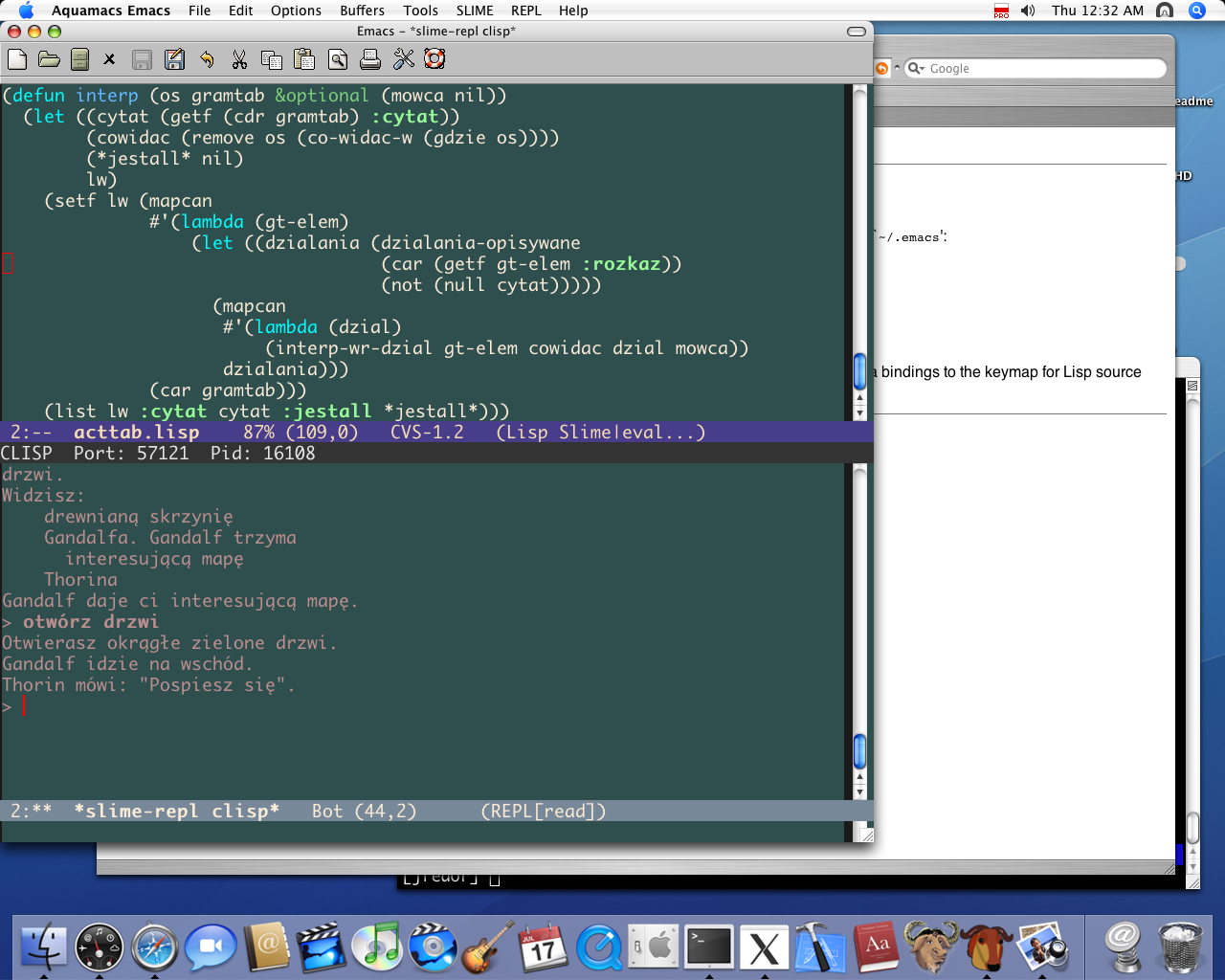
Syntax highlighting is excellent, and themeable. All the common languages are built in, and you can get bundles for nearly any other language. Bundles include a hell of a lot more than just syntax highlighting too.
You can set up shortcuts for snippets of code and templates, like typing "html" then could give you a standard skeleton of an HTML document, and other more powerful macros.
You can easily pipe any text through any command line program you want. Need to sort a list of stuff? Just filter it through "sort". Need the current date? Just run "date" and TextMate inserts the result. Or any other arbitrarily complex command.
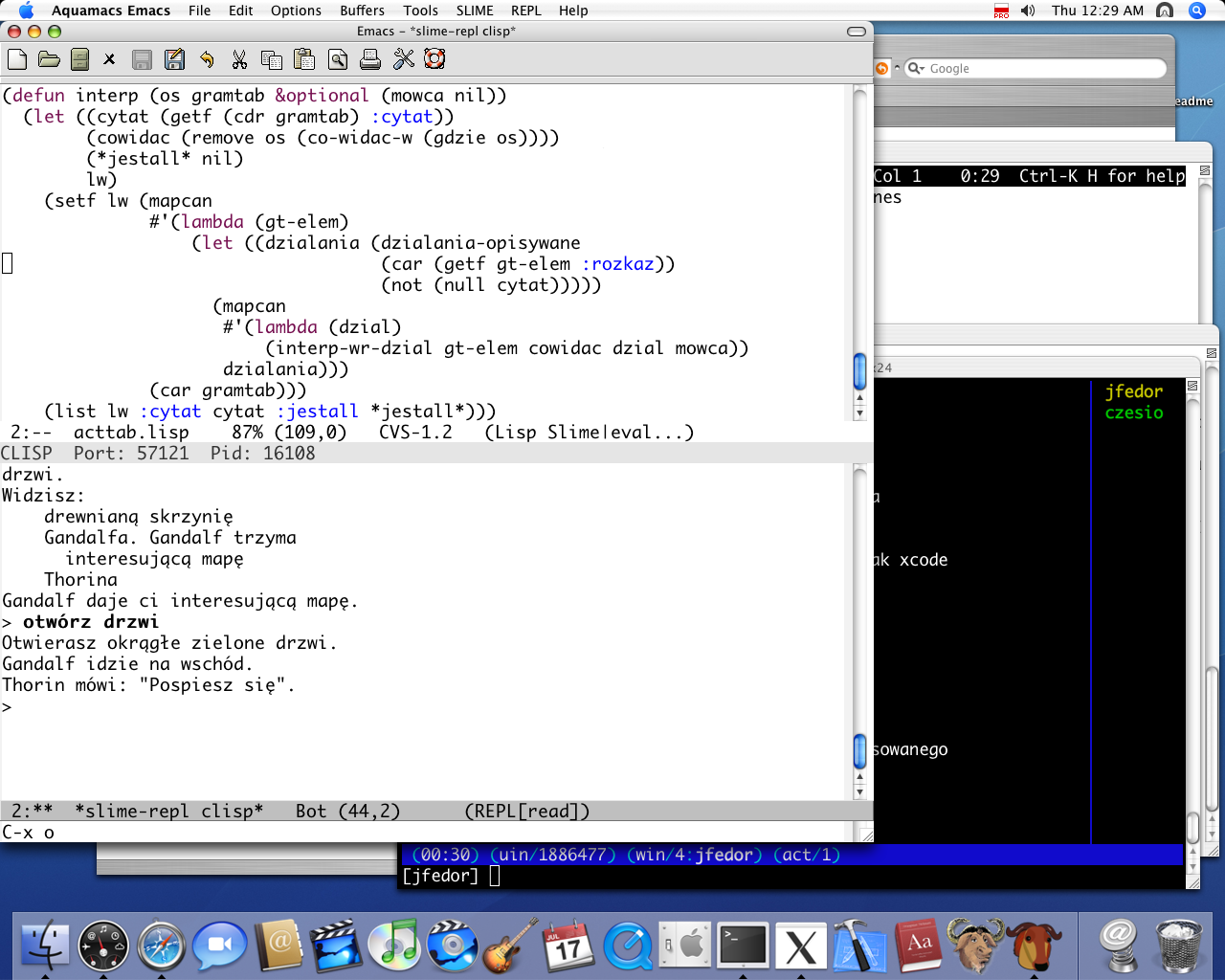
Of course, emacs, vi, etc probably have many of these features, but lack the integration with OS X. And I simply don't have the time/patience to learn them.
Oh, and the only SubEthaEdit feature besides collaborative editing that I miss in TextMate is the ability to copy an XHTML representation of syntax highlighted code. Very handy for blog posts, etc. And the multiple regex implementations in find.