Live data from Hacker News

LeoCAD – A CAD program for creating virtual Lego models

github.com

81–86 of 86 posts

Re: LeoCAD – A CAD program for creating virtual Lego models

#81
post #2

Starting from 2017 developers changed numbering of LeoCAD, so now (after 0.83.x version) it look like YY.MM - 17.07. This is second release in 2017, and must say that LeoCAD grow up - "Parts" toolbar has so many modes for preview LDraw parts (starting from 17.02). And for now models in main window could be displayed with shadows and blinks (starting from 17.07) - just go to menu "View -> Preferences... -> Rendering"…

Also in LeoCAD 17.07 added option "Import LEGO Digital Designer", so now you could import LXF-files ;-)

Re: LeoCAD – A CAD program for creating virtual Lego models

#82
post #49

Is there a software to "manage" a library of LEGO parts, which would then tell me what I can build? And is there a software to easily feed/initiate this library? Maybe with something as simple as taking a photo of spread parts on the ground. Am I dreaming?

Watch this two tutorials!

[1] https://www.youtube.com/watch?v=9JzknmjYOcE

[2] https://www.youtube.com/watch?v=7FNUxEfvd48

Re: LeoCAD – A CAD program for creating virtual Lego models

#83
post #16

I'm wondering about the legal side of this. Is it OK from LEGO side to have stuff like this and other similar tools? And what if when you start printing stuff like that?

The LEGO Group has some rules under Play Fair on their website:

https://www.lego.com/en-us/legal/legal-notice/fair-play

The patent for the bricks ended in 1988. But the Minifigures have a copyright. As long as you don't use all this for commercial purposes and profit they are very relaxed. Because their fans and community are a very important part of the LEGO brand.

Re: LeoCAD – A CAD program for creating virtual Lego models

#84
post #3

How does this compare to Mecabricks online? https://www.mecabricks.com/ And the new tool from Stud.io from Bricklink? https://studio.bricklink.com/v2/build/studio.page

Hello,

I am involved in the Mecarbricks development concerning the rendering features. I started a research in 2014 how to render LDRAW and LDD data in a 3d software. At present time it was not easy to get good working and looking 3D models out from LDRAW.

After the first success I started to import bigger models and got to the limits fast: complexity.

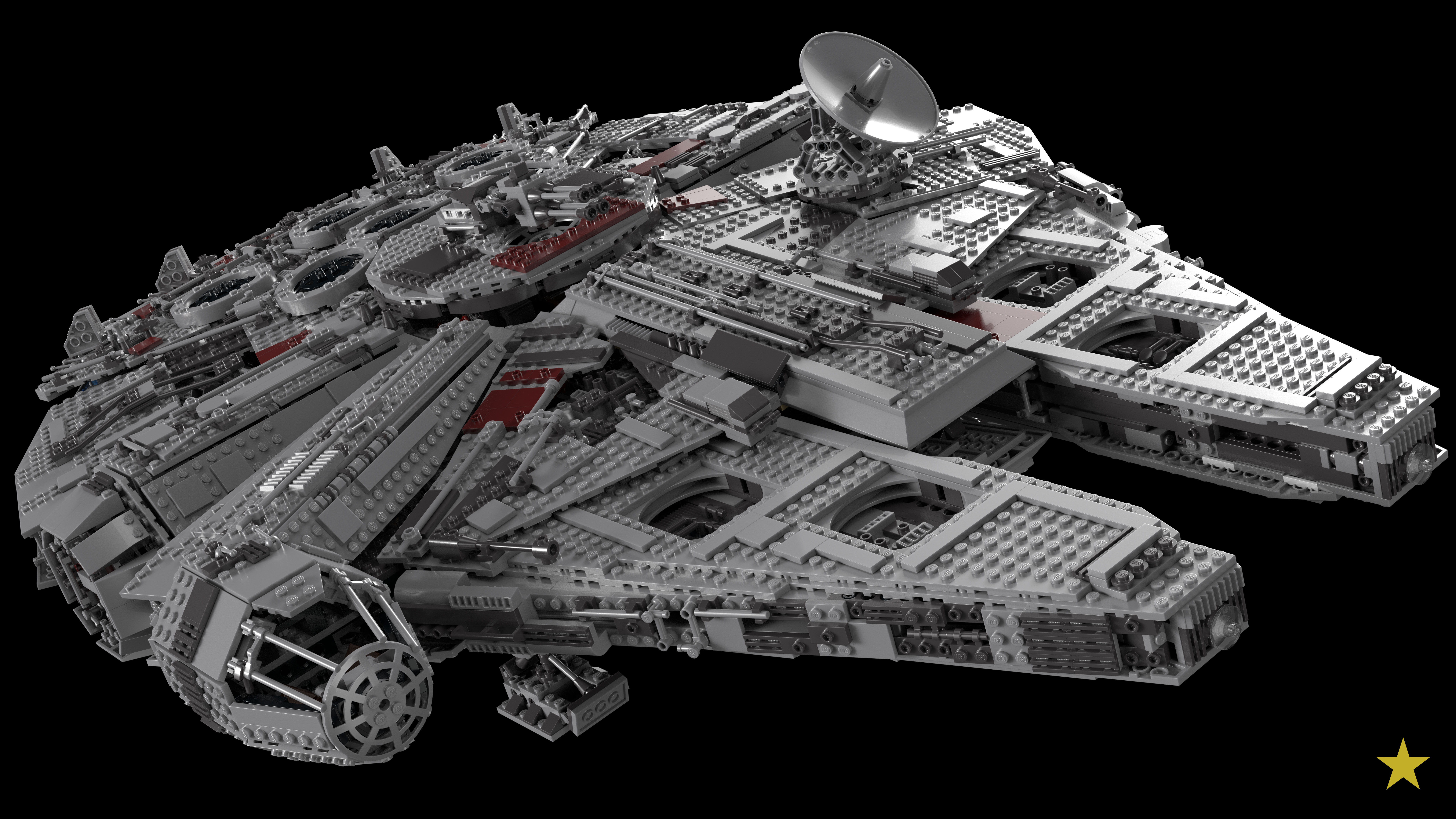
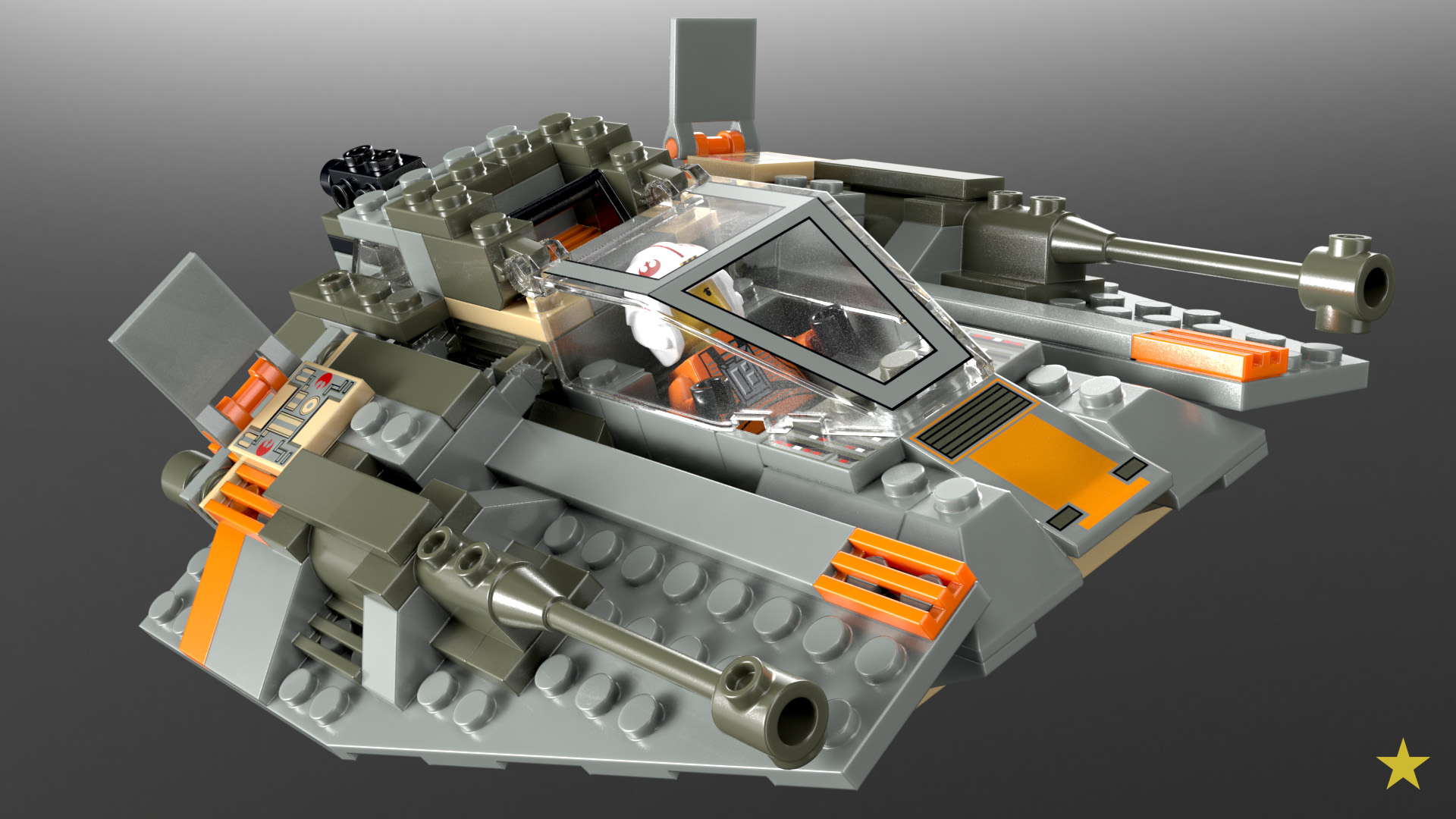
http://render.virtualrepublic.org/7130_Snowspeeder_001.jpg http://lego.virtualrepublic.org/render/10179_Millennium_Falc...

The Millennium Falcon with over 5.192 bricks took 16 hours to import to Blender and exporting to Modo. Finally the scene was 2.5GB and hard to deal with.

The solution for that is instancing but the Blender importer did not support this. Also the actual version is not working properly.

End of 2014 I found Mecabricks, contacted the developer and I shared my research knowledge with him and gave a list of features. While I was still working with Modo Nicolas Jarraud was developing a Blender Template based on my Modo setup.

Actually Mecabricks is very powerful because the editor is great, the database is constantly growing due to the help of users. Actually MB has around 10K users growing. Nicolas is working also on a Instruction Generator. The tool supports also import of LDD data depending on the database match. Compared to LDD MB is still not complete. MB supports textures and Blender. You can plan and render your MOCs in photoreal quality out of the box. With Blender it opens a lot of possibilities for animation and game design.

https://www.youtube.com/channel/UC93DRZP1IjyyaWXb6PKiSbg/vid...

It's just online only. The community is a mix of kids, teenager and AFOLs. Also the designer saabfan of the Saturn V rocket is part of the community.

Here's a great example for the power of MB. Gabriele Zannotti is a young graphic designer who started with Blender and 3D in 2014 inspired by my first renderings. He's a great talent and used MB to promote this LEGO Ideas project:

https://ideas.lego.com/projects/ca5c345e-bdae-4c3c-bc4b-05fb...

IMO Mecabicks has a huge potential for a complete new comfortable way to play, build with and visualize digital LEGO.

Feel free to check Renderbricks: https://www.facebook.com/renderbricks/ https://www.flickr.com/photos/136836821@N04/

Cheers Michael
Re: LeoCAD – A CAD program for creating virtual Lego models

#85
post #3

How does this compare to Mecabricks online? https://www.mecabricks.com/ And the new tool from Stud.io from Bricklink? https://studio.bricklink.com/v2/build/studio.page

Hello, I am involved in the Mecarbricks development concerning the rendering features. I started a research in 2014 how to render LDRAW and LDD data in a 3d software. At present time it was not easy to get good working and looking 3D models out from LDRAW. After the first success I started to import bigger models and got to the limits fast: complexity. http://render.virtualrepublic.org/7130_Snowspeeder_001.jpg http:/…

Your comment look like promo material of commercial proprietary product in thread about free & open-source software... Its look like ads...

Anyway, what you use for import LDraw models in Blender?

Currently there is free & open-source add-on "ImportLDraw"[1] for Blender 2.7x that work well, but need few volunteers for little improve it. Could you help with it?

[1] https://github.com/TobyLobster/ImportLDraw

Re: LeoCAD – A CAD program for creating virtual Lego models

#86
post #47

LDCad[1] is the only one that won't lag with big models. The UI is a bit weird, but it works very well. I tried LeoCAD, but it was either lagging or crashing with 1000+ pieces. [1] http://www.melkert.net/LDCad

LDCad is proprietary freeware program and require modern PC with good GPU. Tried it on 10 year laptop with integrated ATI RS600 - its has many issues and lag during modelling. Also UI not very simple. In same time LeoCAD work on this laptop very well. Think, for those who want more features than LeoCAD has must try LDCad. LDCad is mostly for advanced users, for learninig and creating not too big models LeoCAD is the…

Yeah, LeoCAD has much nicer UI. I should have added that on my Geforce 1080 GPU it was smoother with big models.

I hope LeoCAD will become more robust with bigger models, having an open source solution is really a big plus.

Post reply on HN