Live data from Hacker News

Depixelizing Pixel Art

research.microsoft.com

101–110 of 164 posts

Re: Depixelizing Pixel Art

#101
post #79

Earlier quoted context omitted.

I have 4 i7 cores and a $500 graphics card. I feel like it's possible :) TF2, for example, plays beautifully at 3840x2160@60Hz. Scaling up the graphics for an 800x600 visual novel that plays at 1 frame per 30 seconds is computationally possible. (The good news is that someone has written an emulator for one VN that I'm working through, so I should be able to play with scaling in that way. If I can get it to compile.)

What do you use for displaying 3840x2160@60Hz?

Asus PQ321Q.

Re: Depixelizing Pixel Art

#102
post #29

Earlier quoted context omitted.

Windows has had support for resolution independence where DPI is configurable across a continuum (rather than only available as 1x or 2x scale like on the Mac) for quite some time - the issue is that with a huge legacy application base, a giant morass of drawing technologies, and no shipped "HiDPI" or "Retina" Windows hardware until recently, there's been no real incentive for app developers to support it. In Windows…

It's not just the "legacy application base" or "app developers" which are at fault; even most of Windows itself is still using the old drawing libraries. As soon as you start digging into system properties, MMC, etc, everything is horribly blurry. But yes, apps are also broken, even very popular ones like Chrome and Steam.

Fair point - even some of the shallowest corners of Windows itself are broken too (like Windows Media Player), although most of the other big user-facing shell apps like Explorer and IE are great.

Google almost had support in Chrome 34 after a few false starts, but it looks to have been disabled yet again in current releases.

Now that Windows users are trying to use Retina MacBooks via BootCamp and 2x-resolution Windows 8 tablets like the IdeaPad Yoga2 are out, the DPI scaling issue is finally starting to get mainstream exposure. Most reviews of the IdeaPad called out Chrome specifically and once 4K displays come down in price the gamer crowd will probably jump on the bandwagon as well.

Re: Depixelizing Pixel Art

#103

Earlier quoted context omitted.

I agreed with you, but then I realized they're representing hqx deceptively. There was a video posted here, with them rendered at the same resolution side by side. https://news.ycombinator.com/item?id=7307975 It's really a matter of taste in this video.

> they're representing hqx deceptively. A big difference in the techniques is that hq4x is a fix-rate upscaling, whereas Microsoft's can handle arbitrary target resolutions. At the same rez, they are pretty equivalent. But, MS has the option to go higher. HQ8x has not yet been developed. I doubt that HQ(arbitrary)x is possible without completely changing the algorithm.

I agree, that's huge advantage. That's why I said it was a deceptive representation, but not an invalid one.

Re: Depixelizing Pixel Art

#107

I wish they would use this in Windows 8. As far as I can tell, their scaling algorithm for 4k displays is: scale up 2x using nearest neighbor, then randomly drop pixels to get back to 125% or 150%. The result is horrifyingly bad. Not just kind of bad, but unusably bad. (Adding insult to injury, they ClearType the text before scaling.)

Unfortunately I think this is just the price of being an early adopter.

Re: Depixelizing Pixel Art

#109
post #91
post #66

Earlier quoted context omitted.

Am I crazy for preferring the one on the left (nearest-neighbour)? The other two really mess up certain details such as the point numbers, the stem of the fruits and pokey's eyes. They also tend to cause a very subtle distortion of the outlines of foreground sprites as they move over the background.

No, you aren't. I prefer nearest-neighbor too, I think it preserves the "spirit" of the game. Generally speaking, I prefer it for any kind of "pixel art". That said, those algorithms are impressive, and I can see why someone could prefer them over a simple nn.

> I think it preserves the "spirit" of the game.

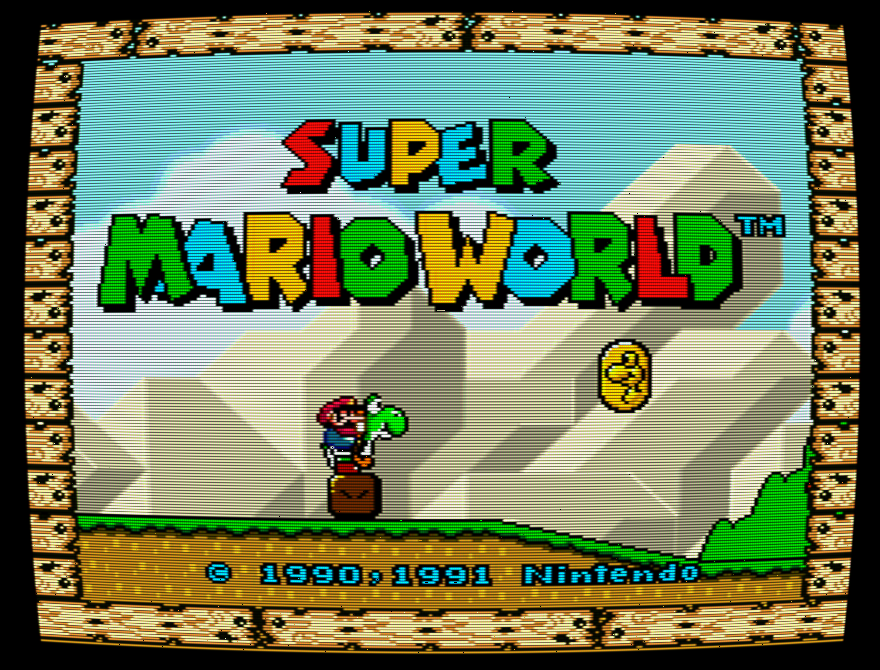
The art-direction of games from this era wasn't done with the intention that these games would be played on pixel-perfect computer monitors, though. The art was designed and tested for CRT TVs, which would generally give you something like http://i385.photobucket.com/albums/oo299/muddi900/LTTP3xNTSC..., or even http://4.bp.blogspot.com/_Kzdww8T9fUA/TRplyGIj6PI/AAAAAAAAAt...

Re: Depixelizing Pixel Art

#110
post #66

Earlier quoted context omitted.

Here's a video: https://research.microsoft.com/en-us/um/people/kopf/pixelart...

Am I crazy for preferring the one on the left (nearest-neighbour)? The other two really mess up certain details such as the point numbers, the stem of the fruits and pokey's eyes. They also tend to cause a very subtle distortion of the outlines of foreground sprites as they move over the background.

> They also tend to cause a very subtle distortion of the outlines of foreground sprites as they move over the background.

I'm surprised none of these algorithms are made to keep state between frames, so they can keep things like this consistent.

Post reply on HN