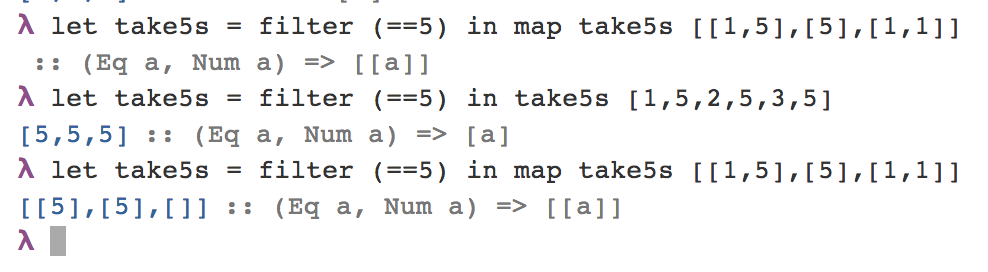
I too dislike tutorials focused around the REPL, because it's rarely how you write code in practice. The REPL is more of a debugging tool for quickly testing and manipulating code you've already written.
I'd jump directly into creating code files/modules - begin by creating simple programs using `main` as you would in other languages. Create a file with ".hs" extension, (Haskell filenames start with capital letters by convention, since they share the name of the module)
    main :: IO ()
    main = putStrLn "Hello World!"
Make sure the GHC bianries are in your PATH, and use the program "runhaskell File.hs" to quickly compile and execute them. Also, from ghci you can use the command (:load File.hs), if you want to debug stuff.
The preferred tool for writing Haskell though is emacs. If you're not familiar with emacs, its also a great opportunity to learn. Grab emacs 24, and open the file ~/.emacs, paste in this snippet:
    (require 'package)
    (add-to-list 'package-archives
             '("marmalade" . "http://marmalade-repo.org/packages/"))
    (package-initialize)
Then hit M-x (M for Meta, which is typically Alt), and type
eval-buffer into the minibuffer at the bottom.
If no errors, hit M-x and type into the mini-buffer:
package-install haskell-mode
You can add the following to the .emacs file and use `eval-buffer` again. Also save with C-x C-s.
    (add-hook 'haskell-mode-hook 'turn-on-haskell-indentation)
    (add-hook 'haskell-mode-hook 'turn-on-haskell-doc-mode)
Next step is to just open an empty haskell file. Create a new directory for your project with `M-x make-directory`, and create a new haskell file using C-x C-f. Add some code, and hit C-c C-l (load in ghci), and emacs will pop open a new window, launch ghci and load your code into it.
You can switch over to the ghci window with C-x o (cycle windows), and type some code into it for testing. (Note it can be quite buggy if the cursor is not in the right place - there needs to be a space after the prompt > ¦). Useful keyboard shortcuts to remember here are M-p (previous) and M-n to cycle through previously used commands. (You can rebind any keys to how you wish.)
You can also add typicall IDE features like "run without debugging" and such with simple snippets of elisp. Say if we want to bind F6 to this command, we can add this hack to .emacs, save and eval the expression.
    (global-set-key [f6]
        (lambda ()
            (interactive)
            (async-shell-command (concat "runhaskell " buffer-file-name))))
Now with an active haskell file, F6 will launch like an application, bypassing GHCI - and emacs will typically open a new window (or replace an existing one) with the stdout/stderror for the application.
That'll get you started anyway. From there, using LYAH is a good beginner resource, although it won't get you much further than past the syntax and semantics of the core language. It doesn't cover the plethora of language extensions, building projects, using cabal, haddock, quickcheck and more. I'm not aware of a single resource which covers these though - I just learned what was needed as and when by searching - the best information typically comes from one-off blogs focused on a specific problem.