This shares an unfortunately common flaw with most monitors in the market, at 137.6 PPI, it'll likely require fractional scaling.
LG 28-inch 16:18 DualUp Monitor
31–40 of 310 posts
Re: LG 28-inch 16:18 DualUp Monitor
#32Excellent form factor with an unusable ppi. I lost all my faith in non-Apple companies being able to produce usable displays. I hate macOS, but I have no choice. The only alternative is Linux+UP3218K, but it requires Nvidia graphics (no-go on Linux, for me), and the build quality is spotty and poor...
At least now we have a Linux laptop with a usable display though, the soon to be released ThinkPad T14s Gen 3 will have the option of a 16:10, 2880x1800, 242ppi display, usable in Linux with 2x scaling.
Of course that laptop has other problems, but at least we have the first alternative to a MacBook in over a decade for people who care about Linux and displays.
Re: LG 28-inch 16:18 DualUp Monitor
#33I've been using a 32" 16:9 4K monitor (BenQ BL3201PH) for years. The biggest improvement I've made recently was putting it on a proper monitor arm. OMG, what a sea change being able to raise, lower, bring forward, push back the monitor throughout the day.
I have a fixed standing desk with a tall bar-stool type chair I use for resting at times. I'm 50, but even with glasses I use just for editing (they are optimized for bringing into focus things at arms distance) I have the monitor relatively close to use it at the resolution and font-sizes I like. This means if I'm working on editing something toward the bottom or top of the monitor I'll often have to adjust its height so that I'm not tilting my head too far down or up. The monitor arm just makes that so easy.
After a couple tries, I found a knock-off of the Fully Jarvis arm that works well, the WALI GSM001XL:
https://www.amazon.com/gp/product/B07NLMLLT6/
Anyway, this LG is neat, but my 32" is already at the height limit I'd want for a monitor. I feel like this LG dual setup I'd need to have too far way to see the full view comfortably, which would mean running everything at larger font sizes, so I'm not sure it makes sense.
Re: LG 28-inch 16:18 DualUp Monitor
#34I find panning my eyes left and right to other monitors more natural than up and down, and I think most ergonomics experts would agree. As such a 32:9 widescreen seems preferable to a 16:8. But if you are pressed for space, either because of small desks or because of everything else going on on your desk (people who work not only in the virtual world) this seems like a great compromise.
Are there any window managers that let you set some kind of 'snap zones' so that you can easily tile screens without fiddling? That's my main issue with large screens vs a plurality of smaller ones.
Re: LG 28-inch 16:18 DualUp Monitor
#35I find panning my eyes left and right to other monitors more natural than up and down, and I think most ergonomics experts would agree. As such a 32:9 widescreen seems preferable to a 16:8. But if you are pressed for space, either because of small desks or because of everything else going on on your desk (people who work not only in the virtual world) this seems like a great compromise.
I'm double-extending vscode: top monitor gets the code, bottom laptop screen gets the terminal (vscode click-to-goto file/line in stdout/stderr output is just too powerful)
Re: LG 28-inch 16:18 DualUp Monitor
#36How does this compare to rotating a regular monitor 90 degrees?
Re: LG 28-inch 16:18 DualUp Monitor
#37How does this compare to two regular monitors stacked on a monitor stand?
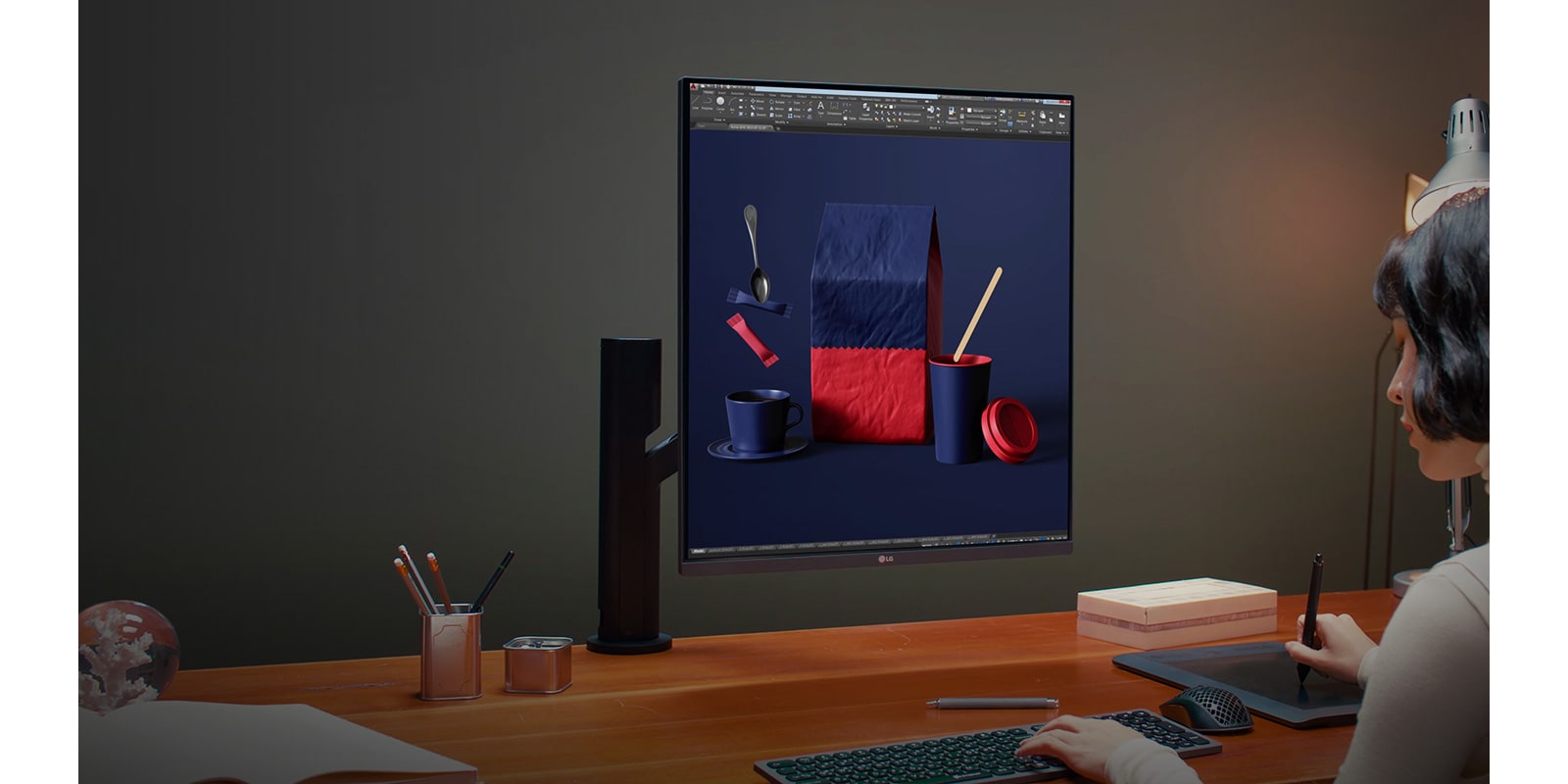
This is basically two 1440p panels attached together... so not too different if you have really thin bezels. But what I'm curious about is if this acts as one monitor or two? None of the images show windows that overlap the middle of the screen. So is it one or two "virtual" screens? If it is one virtual screen, I might think of it as more useful to me in the 18:16 orientation.
There is zero bezel since it's one panel.
https://www.lg.com/us/images/features/mnt-dualup-ergo-28mq78...
Re: LG 28-inch 16:18 DualUp Monitor
#38How does this compare to rotating a regular monitor 90 degrees?
It's exact 2 16:9
Re: LG 28-inch 16:18 DualUp Monitor
#39I find panning my eyes left and right to other monitors more natural than up and down, and I think most ergonomics experts would agree. As such a 32:9 widescreen seems preferable to a 16:8. But if you are pressed for space, either because of small desks or because of everything else going on on your desk (people who work not only in the virtual world) this seems like a great compromise.
I've always stacked my monitors because I recline while I work, so the up/down eye motion feels natural for me. By contrast, I turn my head to see side-by-side monitors, which doesn't feel as nice to do all day.
Re: LG 28-inch 16:18 DualUp Monitor
#40It's incredible seeing 60 hz junk being promoted on a tech site in 2022
Incredibly low resolution for the size monitor too. Is the form factor the novelty worthy of sharing?