Is Apple preparing a new product that will have low-res black&white display?
Challenge: Pixel perfect design
11–20 of 116 posts
Re: Challenge: Pixel perfect design
#12I noticed the images looked a little blurred to me for pixel art. Digging further into it, they're oversized high resolution JPEG images scaled down by the browser rather then correctly sized PNGs. Putting quality aside and thinking about the poor internet pipes; each image is around 100kb in size and had it been a two bit black and white PNG would have been around 12kb. I know, I know, it's a probably an off the she…
If only Safari shipped AVIF support...
Re: Challenge: Pixel perfect design
#13Pixel art is a fun retro hobby, but as the article acknowledges, "we create work for high-resolution HDR screens." Icons, logos, and illustrations in general should be vector-first, so they will show up cleanly on HiDPI and in the future, 4X or 8X DPI interfaces. Too many icons and logos (even the Y on the top left here in HN) look blurry on a simple 4K monitor with 200% scaling (which is not uncommon now).
> will show up cleanly on HiDPI and in the future, 4X or 8X DPI interfaces
That future is still as far away as it was 20 years ago.
Re: Challenge: Pixel perfect design
#14Is Apple preparing a new product that will have low-res black&white display?
Apple glass maybe?
Re: Challenge: Pixel perfect design
#15I can't help but think this is linked to an Apple eink display prototype.
Re: Challenge: Pixel perfect design
#16Just a thought: what if this some kind of teaser for a new device Apple is preparing? Maybe some e-ink device? Ok, I know we are in 2022, but I would really love to see some “low-tech” device from them. I’ll try to wake up now :)
Re: Challenge: Pixel perfect design
#17Problems with pixel perfect layout were what made me give SwiftUI a 12 month “wait for maturity” last year. I hope this and the new SwiftUI custom layout capabilities signal an interest in this at Apple.
I was making strip charts of data at fairly high density and wanted my minor grid lines to be one pixel wide. You must make them line up with a physical screen pixel or they turn into a blurry anti aliased mess. As of last year I never found a good way to connect a SwiftUI view to its physical screen pixel positions. I’ve done this for many years in UIKit, and while extra effort, it is at least possible.
I think this problem is partially why people used “magic marker” aesthetic on their digital charts rather than “engineering pad”. I guess it’s time for another crack at it.
Re: Challenge: Pixel perfect design
#18Just a thought: what if this some kind of teaser for a new device Apple is preparing? Maybe some e-ink device? Ok, I know we are in 2022, but I would really love to see some “low-tech” device from them. I’ll try to wake up now :)
Yeah, my wife just wants a shuffle. No not some other thing that needs you to be connected to Spotify. Just music to run with.
Re: Challenge: Pixel perfect design
#19I noticed the images looked a little blurred to me for pixel art. Digging further into it, they're oversized high resolution JPEG images scaled down by the browser rather then correctly sized PNGs. Putting quality aside and thinking about the poor internet pipes; each image is around 100kb in size and had it been a two bit black and white PNG would have been around 12kb. I know, I know, it's a probably an off the she…
Quoted post unavailable.
https://devimages-cdn.apple.com/wwdc-services/articles/image...
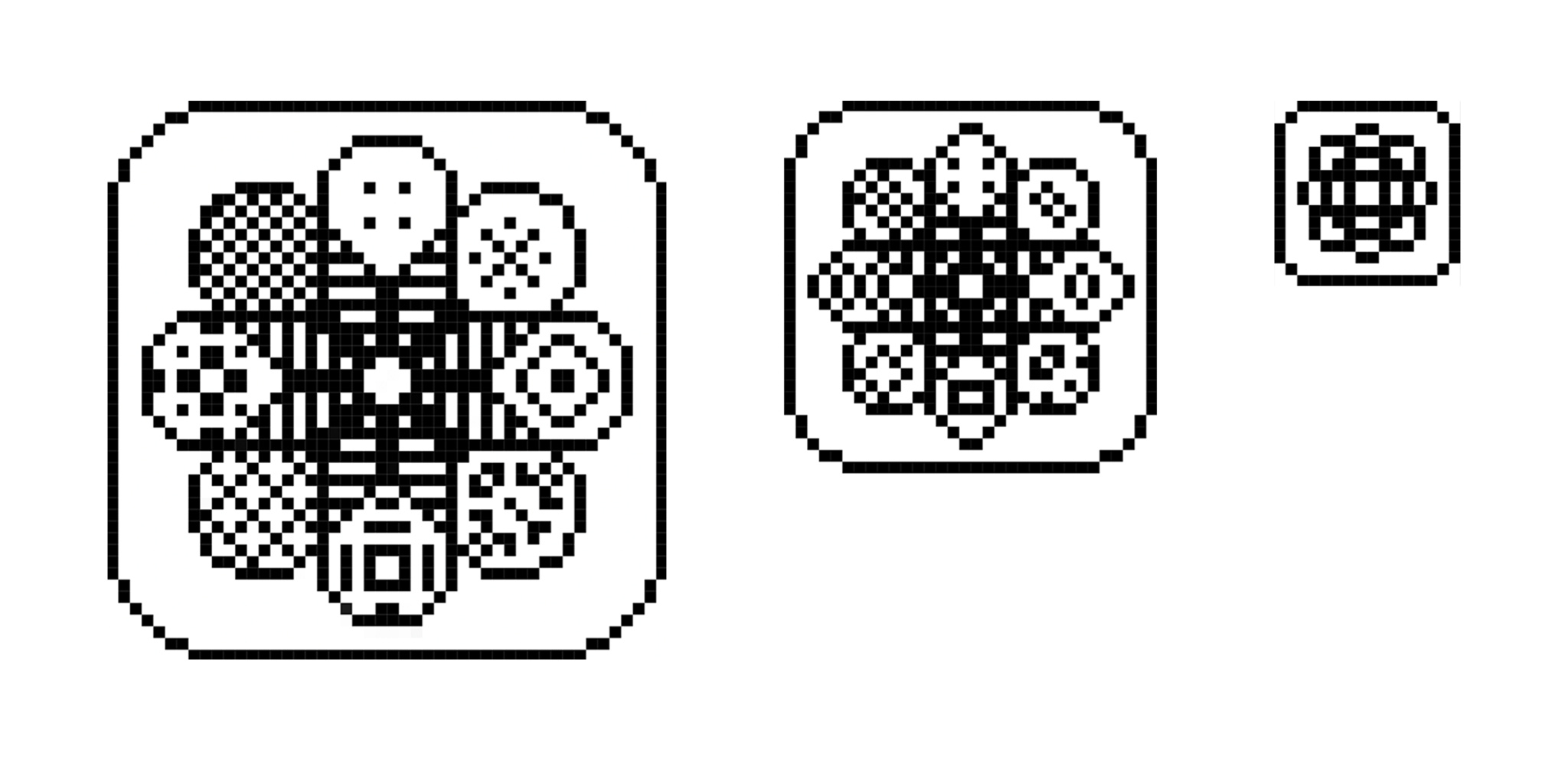
your saying there is no anti aliasing ? this looks really blurry, like you said open it up check with a color picker and you will see the gradients....
Re: Challenge: Pixel perfect design
#20This is a really good video about how Apple cares about being pixel perfect compared to Windows with something simple and obvious like the mouse cursor icon:
https://www.youtube.com/watch?v=YThelfB2fvg
The improvements he made are also quite nice, Microsoft should take note...