This way is good because if I don’t manage to get to do something on the list I can just move it to the next appropriate day. At a glance I can see if there was anything I missed doing the day before.
Ask HN: How do you manage – and remember to manage – your to-do list in 2022?
41–50 of 84 posts
Re: Ask HN: How do you manage – and remember to manage – your to-do list in 2022?
#42Re: Ask HN: How do you manage – and remember to manage – your to-do list in 2022?
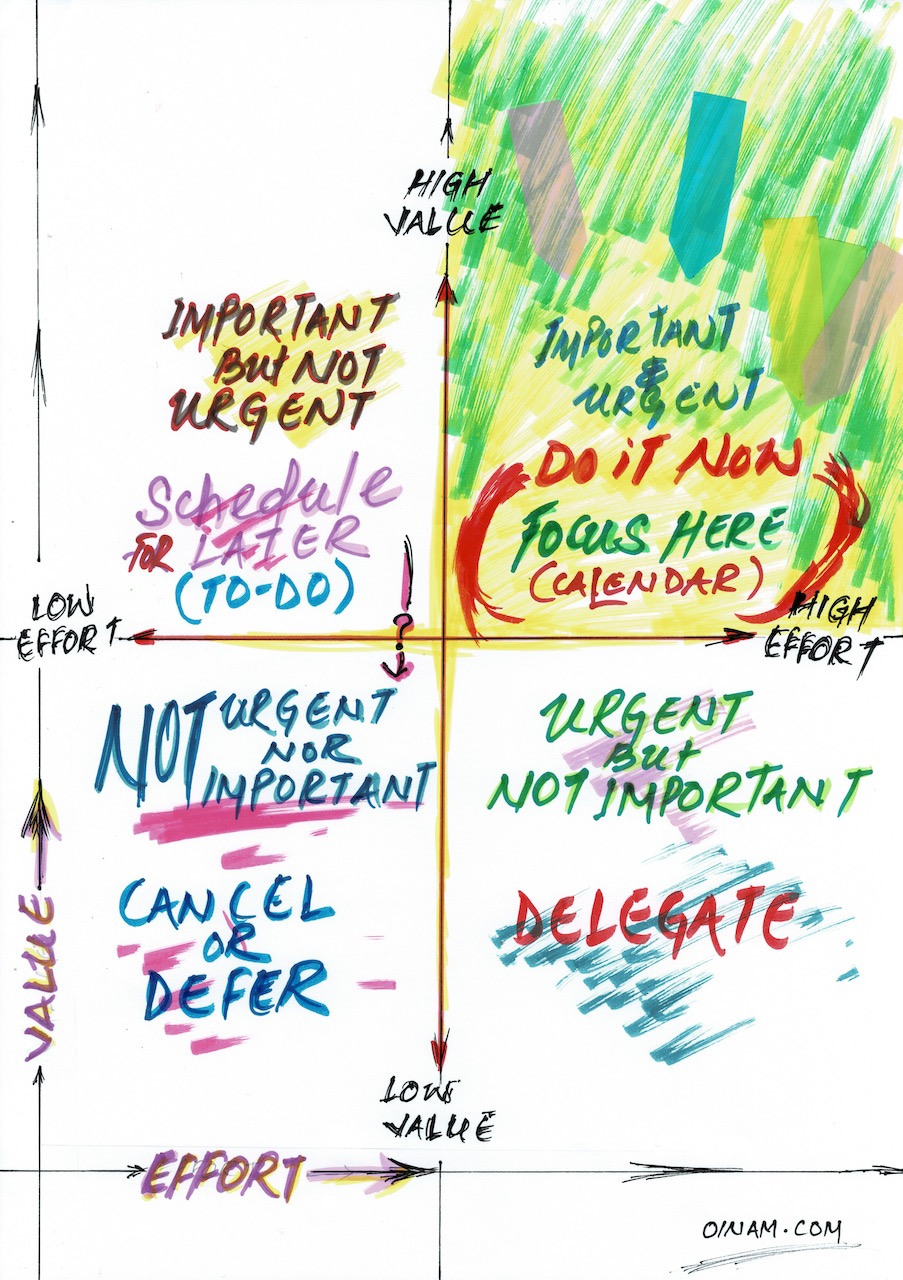
#43This is the simplest and most effective so far that I have broken down to.
Re: Ask HN: How do you manage – and remember to manage – your to-do list in 2022?
#44I use the cli tool taskwarrior -- https://github.com/GothenburgBitFactory/taskwarrior or https://taskwarrior.org/ -- which does have a remote sync option. If you're a "I live in the terminal" kinda person, you might get on well with it.
I particularly like Taskwarrior's ability to set task dependencies. And I've found tasklib [0] to be nice for writing Python scripts to interact with the database.
Re: Ask HN: How do you manage – and remember to manage – your to-do list in 2022?
#45Re: Ask HN: How do you manage – and remember to manage – your to-do list in 2022?
#46Re: Ask HN: How do you manage – and remember to manage – your to-do list in 2022?
#47Calendars and reminders use their respective MacOS system apps (those can be used with Exchange, CalDAV and CardDAV servers which is important to me). The note-taking part of the app has a lot of niceties (task management, subfolders, tags, wiki-style-links, attachments, ...) and is split into a general-purpose "notes" folder and a "daily notes" folder. If you open a daily note, you get a combined view of a markdown note for the day in the center, your calendars and reminders on the right and all your general-purpose-notes in a sidebar to the left. I find this combination so useful that Noteplan is the only app I (very grudgingly) a) pay a subscription fee for and b) sync via a commercial cloud service - in this case Apple's CloudKit.
Re: Ask HN: How do you manage – and remember to manage – your to-do list in 2022?
#48Re: Ask HN: How do you manage – and remember to manage – your to-do list in 2022?
#49I'm a huge fan of https://momentum.earth . It's the best GTD system I've seen online, and the infinite sub-tasking/grouping, where each grouping can be set to be done either sequentially or in parallel, either surfacing the next task or all the tasks in the "Next" list automatically is amazing. Throw in the review settings, and the big picture areas of responsibility? And end-to-end encryption? It's amazing.
Is it collaborative?