Earlier quoted context omitted.
> The difference is largely a historical artifact of the Macintosh operating system not originally supporting "multitasking." This is a nice story, but reading on it seems like you're saying that the way app switching works on Windows as the Obvious and Correct thing to do, and that the Macintosh way of doing things is nothing more than a choice that was made too long ago to change. Honestly, that's absurd. The Macin…
With window-specific menus, I can directly click on and open the menu button of another app/window without first having to focus it first to see the menu options. I find that to be more intuitive. I have always been a windows user and my intuition was shaped accordingly. So to me that is the obvious and correct thing to do.
AltTab – Windows alt-tab on macOS
71–80 of 144 posts
Re: AltTab – Windows alt-tab on macOS
#72Earlier quoted context omitted.
How about skhd? https://github.com/koekeishiya/skhd I use it to simply bind hotkeys to shell commands in a single config file. Given the full power of the shell, you can even use AppleScript (through osascript) if you want to automate the UI/system like AutoHotkey does. It can also send key events using the -k flag so you can remap keys to other key combinations.
I haven't used Autohotkey or skhd but I use hammerspoon for any kind of macos UI automation and it's pretty great, and uses lua instead of applescript.
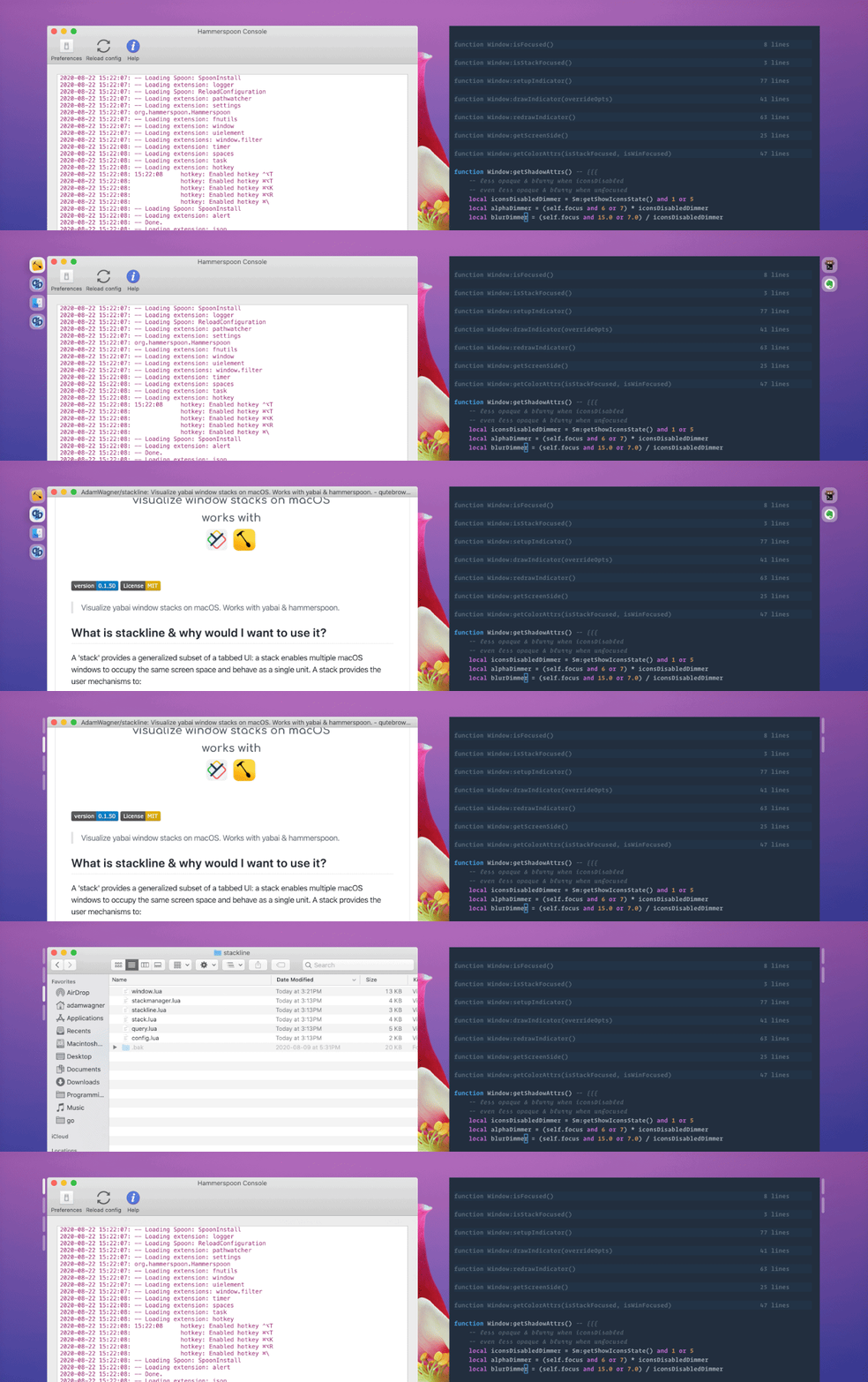
It can even create simple and quite useful UIs, here’s an example of someone using it to create a stack visualizer for the yabai window manager: https://user-images.githubusercontent.com/1683979/90967233-0...
Re: AltTab – Windows alt-tab on macOS
#73Earlier quoted context omitted.
Let's say you have Firefox and Chrome open, each with two windows. alt+tab on Windows cycles between all 4. cmd+tab on Mac cycles between each apps most recently focused window. Hold cmd and press tab on a Mac, notice that it doesn't even show windows, it shows app icons.
Ahhh… okay I get it now. I’m a little slow sometimes :) That’s a good example. So “Cmd - tab” brings all the windows of a particular app to the forefront, but shows the most recent, while the others are ‘buried’. Then requiring the “Cmd - `” to dig out the older ones. Yeah it’s subtle, but I see the difference now, thanks for setting me straight!
Apart from when, due to a bug in recent macOS, it brings up a different window. Which is incredibly frustrating.
Re: AltTab – Windows alt-tab on macOS
#74Earlier quoted context omitted.
On a Mac, you want to be able to switch the foreground application. This is what command-tab does, it switches the foreground application.
I'm on a Mac right now but I'm still having trouble understanding the relation. Say I want to switch the foreground application so I press command-tab, I get that, but how does that relate to menus being inside or outside the application?
Re: AltTab – Windows alt-tab on macOS
#75A recommendation, apropos of this discussion on window management: three finger swipe up on the trackpad for Mission Control/Exposé if you need a specific window. I know trackpads are below most programmers but I’ve found this is faster than hammering alt-tab on Windows if you have a lot of stuff open. Still use Cmd-tab and Cmd-` most of the time though.
Re: AltTab – Windows alt-tab on macOS
#76Earlier quoted context omitted.
On a Mac, you want to be able to switch the foreground application. This is what command-tab does, it switches the foreground application.
I'm on a Mac right now but I'm still having trouble understanding the relation. Say I want to switch the foreground application so I press command-tab, I get that, but how does that relate to menus being inside or outside the application?
Re: AltTab – Windows alt-tab on macOS
#77Seems many people don't know: ⌘ Command + ` to switch between windows of same program
Re: AltTab – Windows alt-tab on macOS
#78Earlier quoted context omitted.
not true: ⌘ Command + `
Nope, that doesn't do it. If I have 2 Chrome windows and 3 terminal windows and 2 text editor windows open on MacOS, there is no way to merely switch from a Chrome window to a specific terminal window. You have to switch to the terminal application, which raises all 3 terminal windows to the top of the window stack on whichever display they are on, then switch between terminal windows. To enable the basic feature of…
Re: AltTab – Windows alt-tab on macOS
#79For Mac users asking "how is this different from the keystrokes I already have", this app is designed to give you Windows-style switching which is subtlety but fundamentally different from OSX-style window switching. MacOS is app-centric, so you have a keystroke to switch between apps and a keystroke to switch through the windows of the app. Windows is window-centric rather than app-centric, with a unified window sta…
Re: AltTab – Windows alt-tab on macOS
#80Perfect example, I'm looking in Safari, and entering some numbers in Excel. I have multiple windows open for each app. I'm in Excel, and CMD+tab to switch to Safari, and all the Safari windows come forward, coving up my Excel window. CMD +` only cycles the windows of the current app. There is no easy way to bounce back and forth between a specific Excel window and a specific Safari window. Instead I have to Hide or rearrange my windows so that switch apps doesn't complete cover the windows I want to see