Live data from Hacker News

Show HN: Pluto – macOS system monitor app

apps.apple.com

71–80 of 102 posts

Re: Show HN: Pluto – macOS system monitor app

#71

Very nice :) I just bought it, this is a lot nicer to have around than switching back to the activity monitor.. I just recently got an m1 Mac air and since it's fanless and makes no obvious outside indication that something is busy it's hard to tell what's going on.

M1 Mac mini reporting in... I can't get the fan to turn on. And I'm compiling as hard as I can...

Oh boy, you just gave me another reason to want the Mac Mini M1. I have had two previous Mac Mini's (and one is actually still operational 24/7, despite being 12 years old). Such a brilliant little machine, and much better value than say an iMac as there are tons of good screens out there. I am wondering though whether it supports dual 4k screens at 60Hz. I don't think HDMI can do that, so it would have to be DisplayPort.

Re: Show HN: Pluto – macOS system monitor app

#72

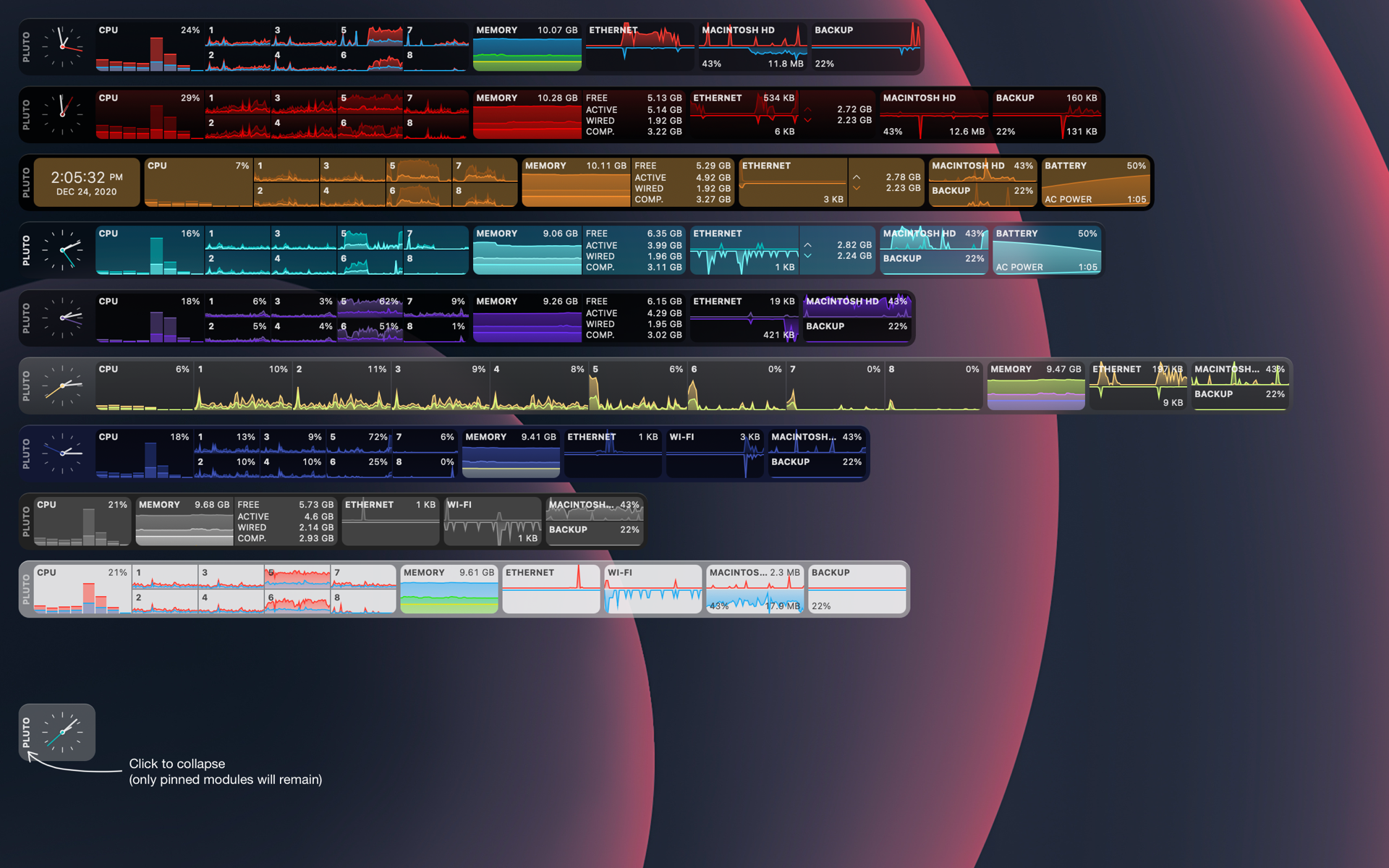
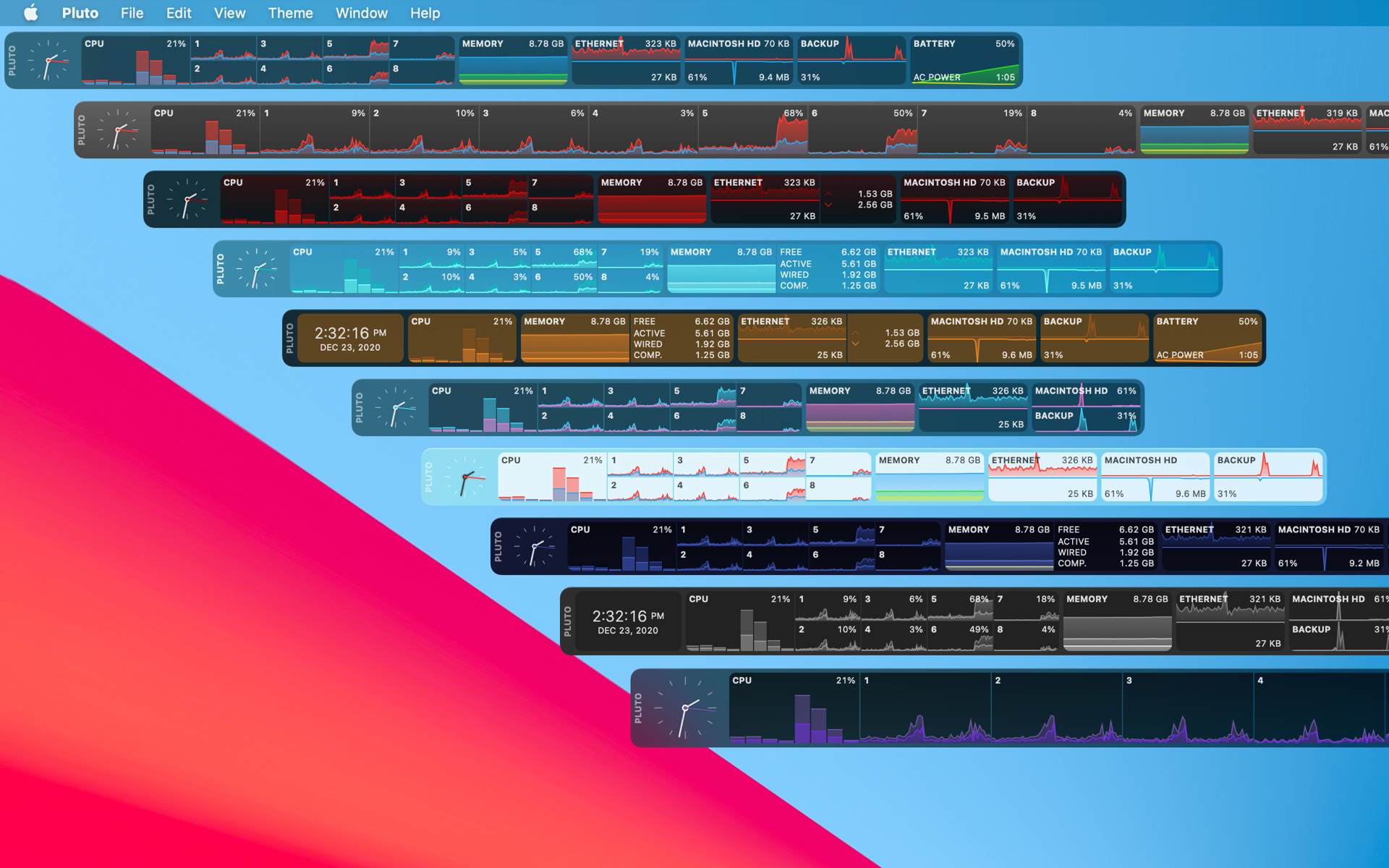
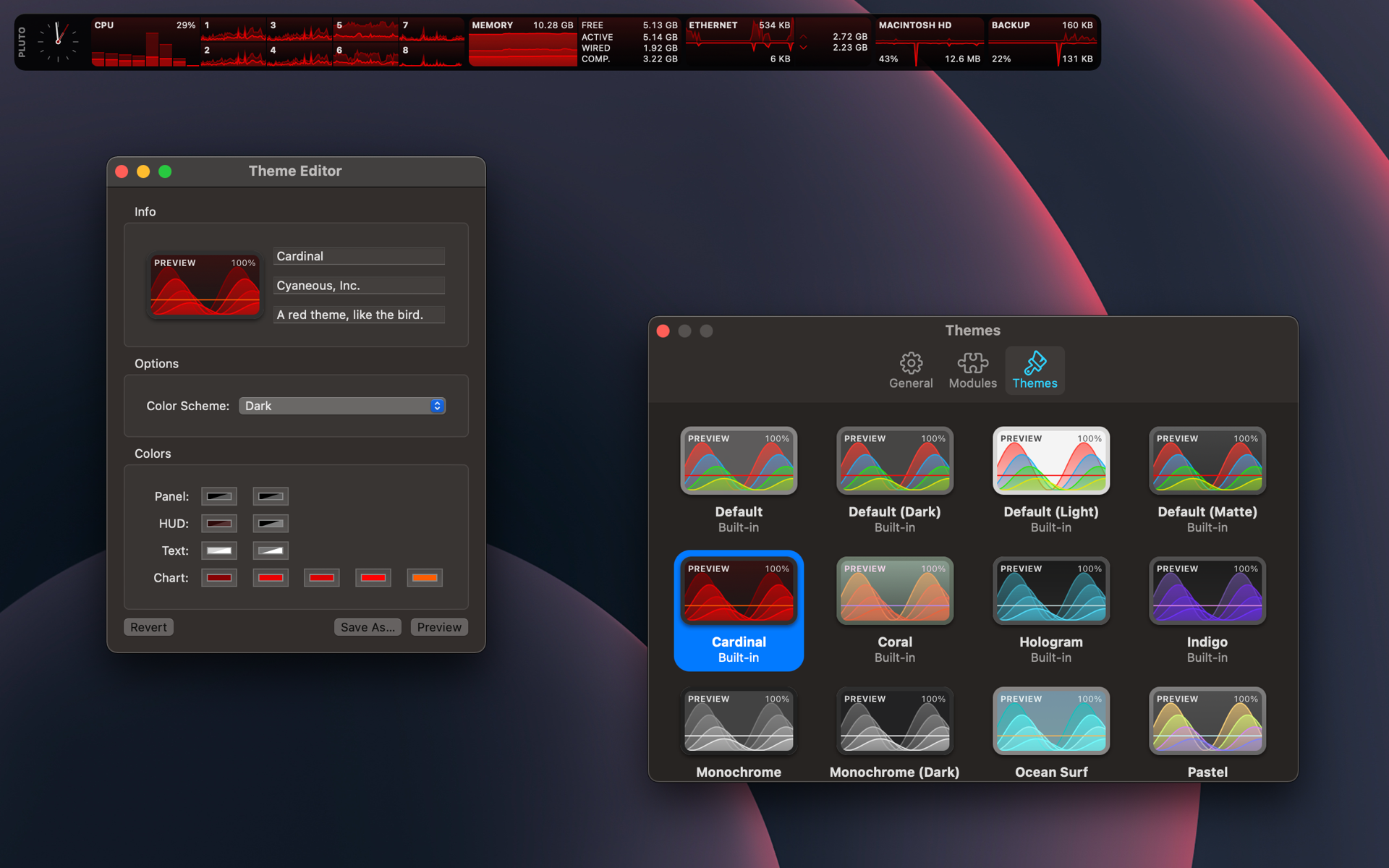
Not on a mac right now, is there an alternative page that shows the UI, the screenshots on the app store in firefox are tiny.

Same situation for me, I ended up adjusting the image urls from the page to get a better look:

https://is1-ssl.mzstatic.com/image/thumb/PurpleSource124/v4/...

https://is1-ssl.mzstatic.com/image/thumb/PurpleSource124/v4/...

https://is1-ssl.mzstatic.com/image/thumb/PurpleSource124/v4/...

https://is2-ssl.mzstatic.com/image/thumb/PurpleSource114/v4/...

Re: Show HN: Pluto – macOS system monitor app

#73

Check out our new system monitor app "Pluto", it's a different take on at-a-glance availability and is very customizable. Mac App Store link: https://apps.apple.com/us/app/pluto-hud/id1544577573?mt=12 Promo codes below: 36F3FWR6W6NJ HKHLWTMHHP7P 3YHKK9XFWHRE XX9WJX3HNKLR LTJ6YL343RM4 Update: here are 10 more codes for you guys, thanks for the support! REF3KY37YXHP Y4L77PPLLFTH R6HEJALF67YM 93FYNH3YXALL FWHMPFHF3XHR K…

Could you send one to simone.brunozzi at (google's email service) ?

Re: Show HN: Pluto – macOS system monitor app

#74
On the subject of system performance on macOS… does anyone know of a decent app/tool for limiting CPU on different processes or programs?

This might be less relevant on newer hardware, but I'm interested in limiting certain apps (e.g., Dropbox, OS tools) from heating up the computer and making the fans go crazy.

Re: Show HN: Pluto – macOS system monitor app

#75

Slightly off topic, but fully related. Has anyone ever noticed that when your CPU is spiking on a Mac, simply opening Activity Monitor often brings it in check? Please tell me I haven’t fabricated this correlation! I’ve noticed it on several generations of MBA’s, with the 2020 Intel as the most recent.

On Windows some scheduled tasks are scheduled to run whenever the system is idle, and seem to stop running when the system is being used again (e.g. by opening a task manager). Maybe the same is true on Mac.

This behavior does make one think of malware. It's frustrating when the core features of an OS thwart user monitoring and control, even if inadvertently.

Re: Show HN: Pluto – macOS system monitor app

#76
post #16

Does this have a menubar widget? I miss MenuMeters, after it was killed by an OS update a while back. Would love to try it out, regardless!

MenuMeters works fine on my Mojave, but from reading release notes it would appear to run on BigSur as well. MenuMeters for OS X El Capitan 10.11 and later https://member.ipmu.jp/yuji.tachikawa/MenuMetersElCapitan/ and https://github.com/yujitach/MenuMeters

It works, but honestly it needs a visual update because it looks very err... hacker-ish?

Re: Show HN: Pluto – macOS system monitor app

#77

Slightly off topic, but fully related. Has anyone ever noticed that when your CPU is spiking on a Mac, simply opening Activity Monitor often brings it in check? Please tell me I haven’t fabricated this correlation! I’ve noticed it on several generations of MBA’s, with the 2020 Intel as the most recent.

Yep, many many times on my 2017 MBP. Far too consistently repeatable to be coincidence, IMO.

Re: Show HN: Pluto – macOS system monitor app

#78
post #71

Earlier quoted context omitted.

M1 Mac mini reporting in... I can't get the fan to turn on. And I'm compiling as hard as I can...

Oh boy, you just gave me another reason to want the Mac Mini M1. I have had two previous Mac Mini's (and one is actually still operational 24/7, despite being 12 years old). Such a brilliant little machine, and much better value than say an iMac as there are tons of good screens out there. I am wondering though whether it supports dual 4k screens at 60Hz. I don't think HDMI can do that, so it would have to be Display…

Apple says that the M1 Mac Mini supports:

> One display with up to 6K resolution at 60Hz connected via Thunderbolt and one display with up to 4K resolution at 60Hz connected via HDMI 2.0

That is, it does support two 4K screens at 60 Hz.

Note that this is in contrast to the M1 MacBooks which only support one external display in addition to the laptop display.

Re: Show HN: Pluto – macOS system monitor app

#79
post #71

Earlier quoted context omitted.

M1 Mac mini reporting in... I can't get the fan to turn on. And I'm compiling as hard as I can...

Oh boy, you just gave me another reason to want the Mac Mini M1. I have had two previous Mac Mini's (and one is actually still operational 24/7, despite being 12 years old). Such a brilliant little machine, and much better value than say an iMac as there are tons of good screens out there. I am wondering though whether it supports dual 4k screens at 60Hz. I don't think HDMI can do that, so it would have to be Display…

HDMI can do that, but unfortunately the M1 can't.

Re: Show HN: Pluto – macOS system monitor app

#80

On the subject of system performance on macOS… does anyone know of a decent app/tool for limiting CPU on different processes or programs? This might be less relevant on newer hardware, but I'm interested in limiting certain apps (e.g., Dropbox, OS tools) from heating up the computer and making the fans go crazy.

You can use the renice command from the command line, after finding the applications pid:

http://cheat.sh/renice

Post reply on HN