Live data from Hacker News

I3: Improved Tiling Window Manager

i3wm.org

191–200 of 454 posts

Re: I3: Improved Tiling Window Manager

#191

Earlier quoted context omitted.

This is kind of my story too. I stick with ubuntu LTS just for an added level of confidence things are compatible, but Arch might be a good idea to look into. The arch packages are a big plus. Do you find many compatibility issues?

I have found that a lot of people _think_ Ubuntu is safe/stable. But because the Linux kernel is a little behind, it usually isn't. I have had way more stability and compatibility with arch because everything is always up to date.

Yeah this always gets overlooked for some reason. Other distros I periodically hit issues with something out-of-date; on Arch, I almost never do. And on the rare occasion that I do, installing the `-git` package from the AUR fixes it.

Re: I3: Improved Tiling Window Manager

#192
post #35

Hint for Windows users that also want to have something like that: That closest you can probably get to that is with Powertoys FancyZones. Its not exactly a tiling windows manager but its close enough. https://github.com/microsoft/PowerToys/wiki/FancyZones-Overv...

I think I've tried almost all the "tiling windows manager" tools for Windows there is. The best I've found, for me anyway, is PyleWm:

https://github.com/GGLucas/PyleWM

I use sway on Linux.

Re: I3: Improved Tiling Window Manager

#193
post #160

Earlier quoted context omitted.

What are you using as replacements for keyboard maestro and hazel?

These are exactly the type of silly applications that are needed on macOS because the OS too locked down, or at least not made for people who like to do this type of stuff. On Linux, almost all native applications keep their data in regular, non-proprietary files on the file system. This means your data always exists separate from the applications and you can do with it what you want. If you want to run a script ever…

That's a remarkably off-base take. You're attributing qualities that linux has to things that linux exclusively has. Your entire rant about emulating the functionality of Hazel with scripts is something you can do with either operating system. The fact that hazel exists is because it lets people that have neither the time nor the disposition towards writing their own program for their own use case and still get a lot of the benefits of such. In fact, even those that do have a proclivity towards scripting their own maybe would rather do something else with their time.

> On Linux, you dream up the code in the language of your choice and it will work forever.

...I'm sorry, how is this exclusive to linux, exactly? You can do the exact same thing in MacOS, Windows, FreeBSD, etc. Also, maybe some people just don't want to fucking program every function and application they run on their operating system?

> Your learned skills will transfer one-to-one to programming you do for your job or hobby

While I understand that there exists a much higher population of programmers on HN than on other websites, please stop assuming that 1) everyone here is one and 2) that everyone wants to spend their time writing software in their spare time and 3) even if they do like programming in their spare time, that they want to spend it writing automation scripts.

> instead of being weirdly specific and locked down to this one, overpriced app's clickity click interface.

What is overpriced to you is potentially someone else's pennies. I don't really think the jab at GUI interfaces is appropriate, either.

> Of course scripting is not exclusive to Linux, but it is the only OS that was and is built with it in mind.

Again, this is just plain ignorance.
Re: I3: Improved Tiling Window Manager

#194
post #98

Earlier quoted context omitted.

For me it's the opposite. I find floating window manager like Windows, MacOS, Gnome, Kde really inefficient at managing screen space. Even more now that we have big screens. Tilling window managers for me brings a few things: * Almost never require to resize or position a window, the window manager optimise the layout for you. It removes the constant needs of organizing window * Combine with workspaces and multiple m…

KDE actually can be a really nice tiling window manager. I use a script called Krohnkite. You can even turn off window decorations if you don't want titlebars. There are several other window management scripts that implement different layouts.

Gnome has a few plugins that adds tilling (paperwm which brings some interesting concepts, pop-shell which is quite good) but in the end I never found the experienced as polished as pure tilling ones. On Gnome i really dislike the fact that workspaces are only on one monitor OR span across all monitors. I really like my workspaces per monitor. I remember not liking how KDE was handling workspaces as well, but it's been a while I've tried so it might have changed since.

Re: I3: Improved Tiling Window Manager

#195

Earlier quoted context omitted.

This is kind of my story too. I stick with ubuntu LTS just for an added level of confidence things are compatible, but Arch might be a good idea to look into. The arch packages are a big plus. Do you find many compatibility issues?

I have found that a lot of people _think_ Ubuntu is safe/stable. But because the Linux kernel is a little behind, it usually isn't. I have had way more stability and compatibility with arch because everything is always up to date.

I've had the exact same amount of major issues using either stable or rolling release distributions. Using one of the other just changes when/why I have to work around the distro.

Arch usually has more small "papercuts" I have to fix myself - often problems around suspend/power management or drivers, in my experience. Ubuntu and the likes I usually struggle either when I encounter some bug OOTB (meaning that won't get fixed in a timely manner because "stable") or once I need some package that's just not there. Having to figure out what are the damn dependency equivalents for some program I'm trying to compile that only has Arch instructions is never fun.

Obviously YMMV.

Re: I3: Improved Tiling Window Manager

#196
post #177

See also https://swaywm.org which seeks to implement i3 for wayland > Sway is a tiling Wayland compositor and a drop-in replacement for the i3 window manager for X11. It works with your existing i3 configuration and supports most of i3's features, plus a few extras.

I second sway! I have switched full-time from i3 sometime last year and haven't looked back. In my experience it's even more performant than i3 wayland has largely been a boon, except some odd programs that don't work even under x wayland (currently that's obs and meet.jit.si and zoom screen sharing) The only thing one needs to do is configure environment variables to start qt and gtk apps in wayland mode.

obs is a qt app. If you start it with -platform xcb it overrides the environment variable set to use wayland and uses x instead. It works fine for me with that change.

Re: I3: Improved Tiling Window Manager

#197
I used i3 for a while when unity had a really annoying multi-touch bug I could not work around.

The thing is? I never used much more than a simple L/R split that was available in any OS / WM forever. If I wanted to split more, it was usually in the terminal, and done via tmux or the term app.

Add to this, a full desktop environment will handle all sorts of things for you like brightness, volume controls, proper locking on sleep, a easily configurable toolbar, hot plugging an external display, etc. i3 handles none of these! It's left up to the user to google around and find a brightness command that actually works, or why pauctrl is muted on startup, or why the lock screen only locks on resume, not sleep, thus flashing your screen. It's death by a thousand cuts. I know i3 is a window manager, and it's 'not it's job' to handle this stuff, supposedly, but why could they not add the most common way people control brightness, volume, etc to the default config, and let people swap it all out if they wanted? It's a really frustrating experience.

For myself, I've went back to gnome. If someday I get a really massive display that benefits from complex tiling, I'll revisit i3, but I'll probably wind up using that awesome material shell for gnome and calling it a day.

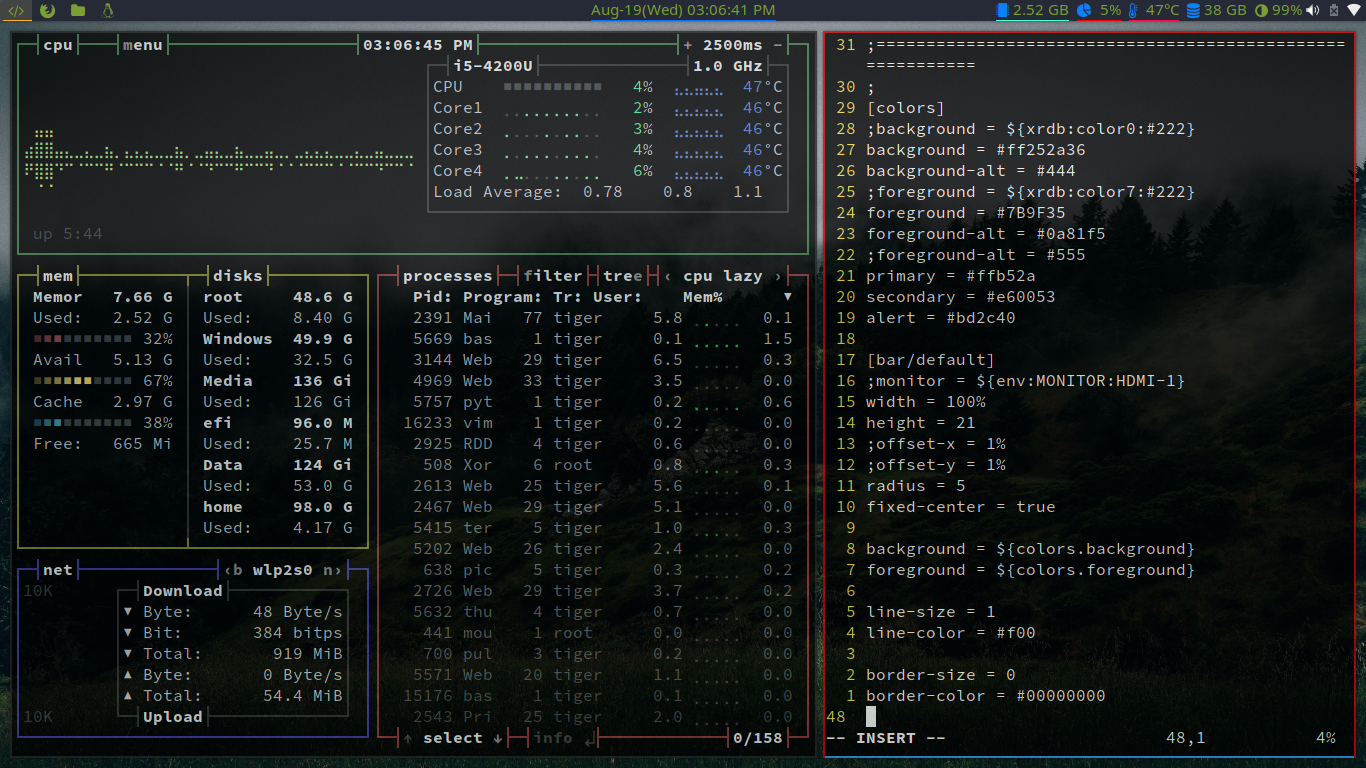
https://old.reddit.com/r/unixporn/comments/c8le62/gnome_mate...

Re: I3: Improved Tiling Window Manager

#198
post #66

I used to be all in on Apple. On macOS I had a little program called Magnet to snap windows to sides and corners, and on my iPad (with external keyboard) I SSH’d into a VPS to write and run code there. I used Alfred and had all kinds of workflows in there. I thought it was great. But then during my AI studies I wanted some beefier hardware, which was just not affordable for me within Apple’s ecosystem, plus they only…

What are you using as replacements for keyboard maestro and hazel?

I'm not a MacOS user so I don't know all that much about keyboard maestro's feature set, but with i3 all of it's keybindings are configured dynamically through the config file so you can map any keybind you want to invoke an arbitrary program. It won't come nice and prepackaged but you can do a whole lot just by using included tools and i3-msg, which lets you manage i3 windows programmatically.

Re: I3: Improved Tiling Window Manager

#199

Probably an unpopular opinion here, but I do not understand why people prefer tiling window managers. I prefer to have lots of windows open, and being able to position them how I want with the size I want greatly increases my productivity. Tiling window managers makes you conform to their way of working.

For me, part of it was a touch of OCD about getting windows positioned just right. Especially terminal windows, I had to line them up, get them the same size, etc. I would spend a lot of time trying to get windows as large as possible, but not overlap, in order to use ALL the space of my monitor(s).

I tried out i3 for a while and generally liked it, but was never wizard-like with manipulating my tile stack. I could split horizontally and vertically, and swap around to a degree. Enough to get by and most importantly, line it all up and use all the space. ;)

These days, all the systems I use support the 98% use case I had for i3: either full screen, or vertical split (by dragging all the way right or left). I further discovered tmux so I can split a terminal window extra as needed. So, I haven't used i3 in a few years.

You mentioned you prefer lots of windows open? I'm 100% the opposite. I only want to see two at a time. At work I have two monitors and one is editor, the other is tmux'ed terminal, both maximized. Browser, maximized on one monitor. Document of some kind (pdf, etc.)? Maximized on the other monitor. At any time I'm selecting which two to see. Chat apps for group communication? I hide those because they are hugely distracting. (I check them now and then when I take a short break). At home I do something similar using virtual desktops, since I only have one monitor: browser in one virtual desktop, ebook or document in another, etc.

Re: I3: Improved Tiling Window Manager

#200
post #171
post #68

Earlier quoted context omitted.

Ugly? What do you mean with that? Sway on openSuse is quiet nice composed.

Specifically I meant the pixel-blue window borders on i3, coupled with the extremely bare-bones status bar. (Does it even allow for systray icons? That would be rather important for me.) Sway looks somewhat better, but I've been told it's still somewhat flaky.

Well i3 is kind of configurable:

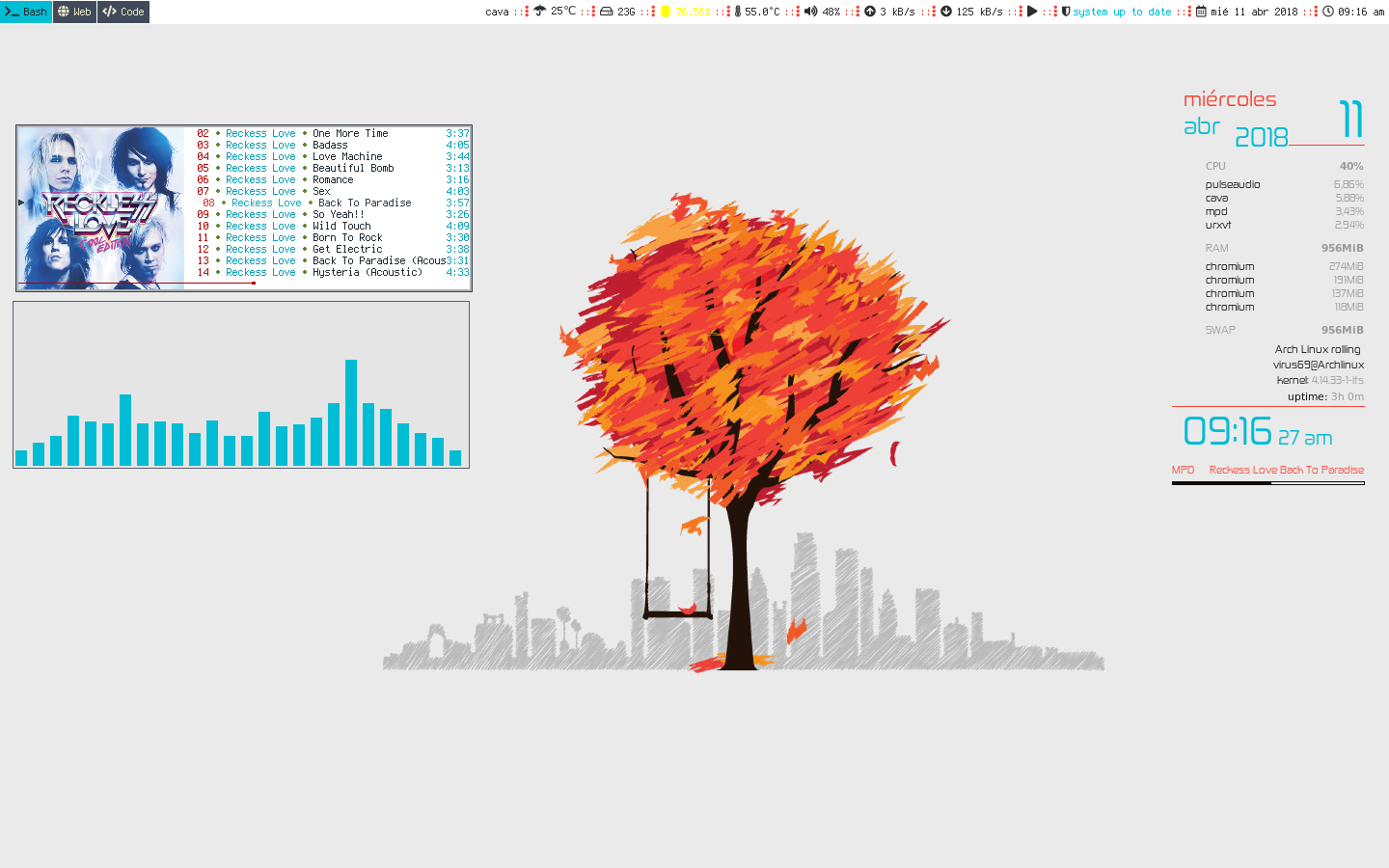
http://dotshare.it/public/images/uploads/8435.png

http://dotshare.it/public/images/uploads/8284.png

http://dotshare.it/category/wms/i3/

>Does it even allow for systray icons?

Yes.

>extremely bare-bones status bar.

You can config everything in it, or use polybar.

>Sway looks somewhat better

Sway is a drop-in replacement.

Post reply on HN