Pasted markdown into text area, nothing happened. No button to activate.
Hit enter?
51–60 of 81 posts
Pasted markdown into text area, nothing happened. No button to activate.
I make an app for macOS that makes it easy to make offline viewers for documents like this ( https://repla.app/ ). Would anyone be interested in having an offline viewer for this? E.g., being able to drag a `mindmap.md` file to the app icon, and have it render the mindmap and automatically update when you make changes in your text editor. (I'm aware there are other ways to do offline views like this, happy to explain…
Thanks for the input! I'm also looking at supporting Mermaid diagramming https://mermaid-js.github.io/ I'd love to hear if people have other good use cases for this model, e.g., of having a plain text file you edit in a text editor accompanied by a rendered web document view of the same file.
Cool! Slightly related, I also like: https://www.diagram.codes/
(It seems like 'Mind Map' referred to by the OP is just the Horizontal Tree Layout of this tool.)
``` # header
Body
>quote ```
Cool! Slightly related, I also like: https://www.diagram.codes/
Having said that, I really wish this was available as a library rather than just a website and a desktop app, but I suppose the best things in life aren't free
Earlier quoted context omitted.
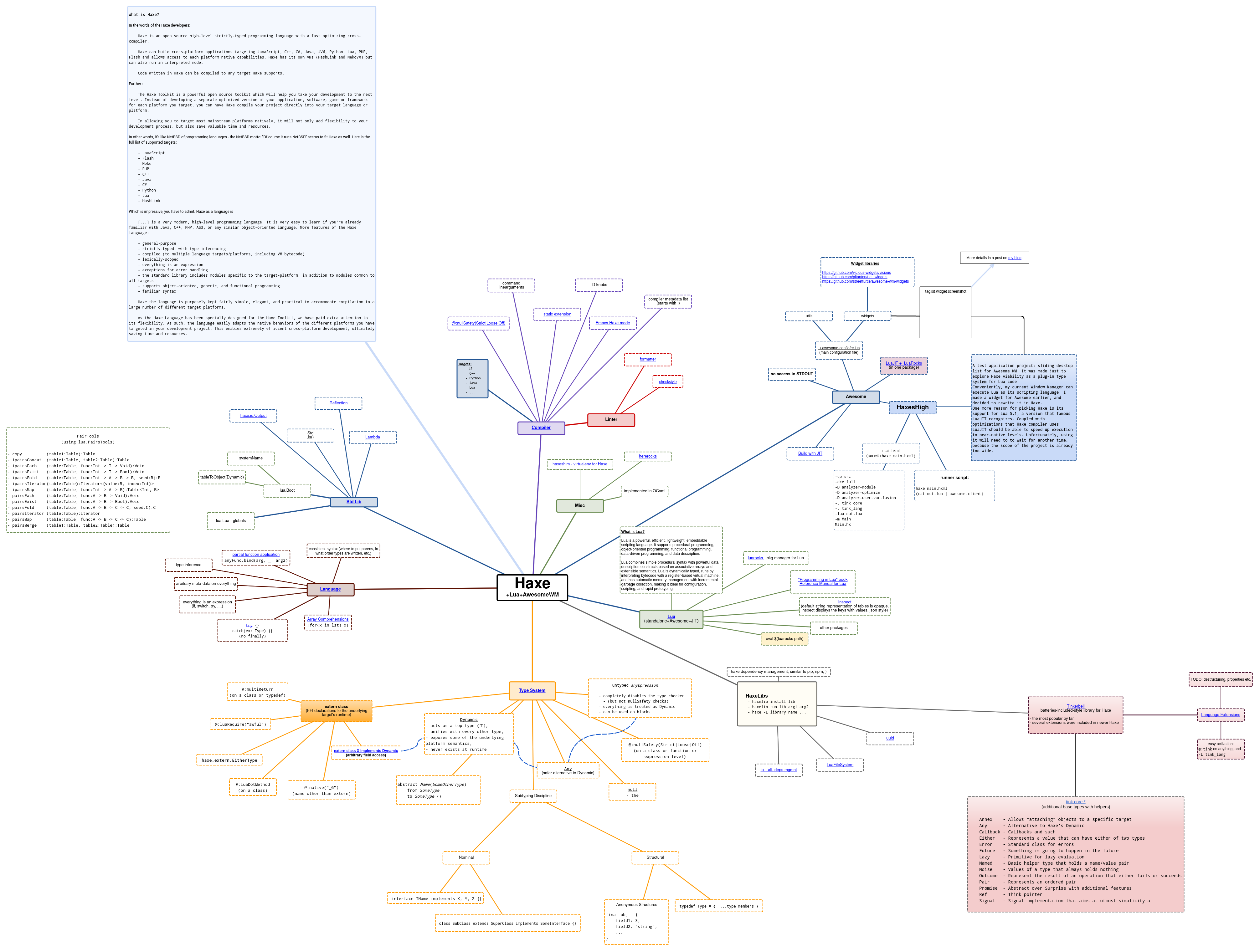
> Mind maps aren't trees- they are bigraphs Yes! So many of the mind-mapping software is limited to just trees, plus there's no way of styling some paths differently, the interface is far from ergonomic, in short: I couldn't find an interactive tool for drawing complex relationships between many kinds of content (I want to be able to put an image in one place, then paste a bit of some documentation in another, then c…
Not sure what gliffy is but Graphviz can conceptually draw the same thing. You can have box shapes and colors for nodes and edges both. However, the rendering layout itself is usually unpleasant. You can have some control but it's really suboptimal. As I said, Graphviz is both simple and very powerful so no reason to not use it to represent data in concept. Plus it goes in your VCS.
I know and like pure-text diagramming solutions, but they don't work that well for diagrams designed to span multiple displays in width or height. Or put another way - my editor, as glorious as it is, is not designed for rapid zoom-in/zoom-out on various parts of an 80000x80000 rows/cols text file. I want to be able to work in an interactive environment, where I can rapidly switch between the overall outline view and the focused, detailed view of just a few nodes. Moreover, I need to able to embed (and preview if possible) different kinds of content, from syntax-highlighted text to images to videos, plus it should render natively in a browser (hence the SVG).
My use case for this is putting together a knowledge-base (think Wikipedia, just for my personal data), which would use direction, color, line thickness and kind (dotted, dashed, etc.) to bind related subjects and show the relations between them in 2 dimensions. Feature-wise Gliffy is close to what I have in mind, but it doesn't handle a scale big enough to be called a "knowledge-base" - "infographic" is the most it can produce.
[2] https://raw.githubusercontent.com/piotrklibert/awesome-confi... (made with Gliffy)
Earlier quoted context omitted.
> Mind maps aren't trees- they are bigraphs Yes! So many of the mind-mapping software is limited to just trees, plus there's no way of styling some paths differently, the interface is far from ergonomic, in short: I couldn't find an interactive tool for drawing complex relationships between many kinds of content (I want to be able to put an image in one place, then paste a bit of some documentation in another, then c…
Related tangent: Roam^1 is a graph-based webapp that supports hierarchies, bidirectional linking, and an interactive graph view. Dunno about the step to get it into svg, but you may find it useful for any number of things. HTH 1. https://roamresearch.com