Live data from Hacker News

Show HN: Code2flow – easy flowcharts with no mouse, no dragging and no hassle

code2flow.com

11–20 of 88 posts

Re: Show HN: Code2flow – easy flowcharts with no mouse, no dragging and no hassle

#11

This is awesome! Any chance it can somehow output to a text based chart? This is basically what has been preventing me from using https://monodraw.helftone.com/ - i didn't want to draw simple flowcharts. If this can output text for a sane price, you've got a customer! (though, i would prefer an offline app, fwiw)

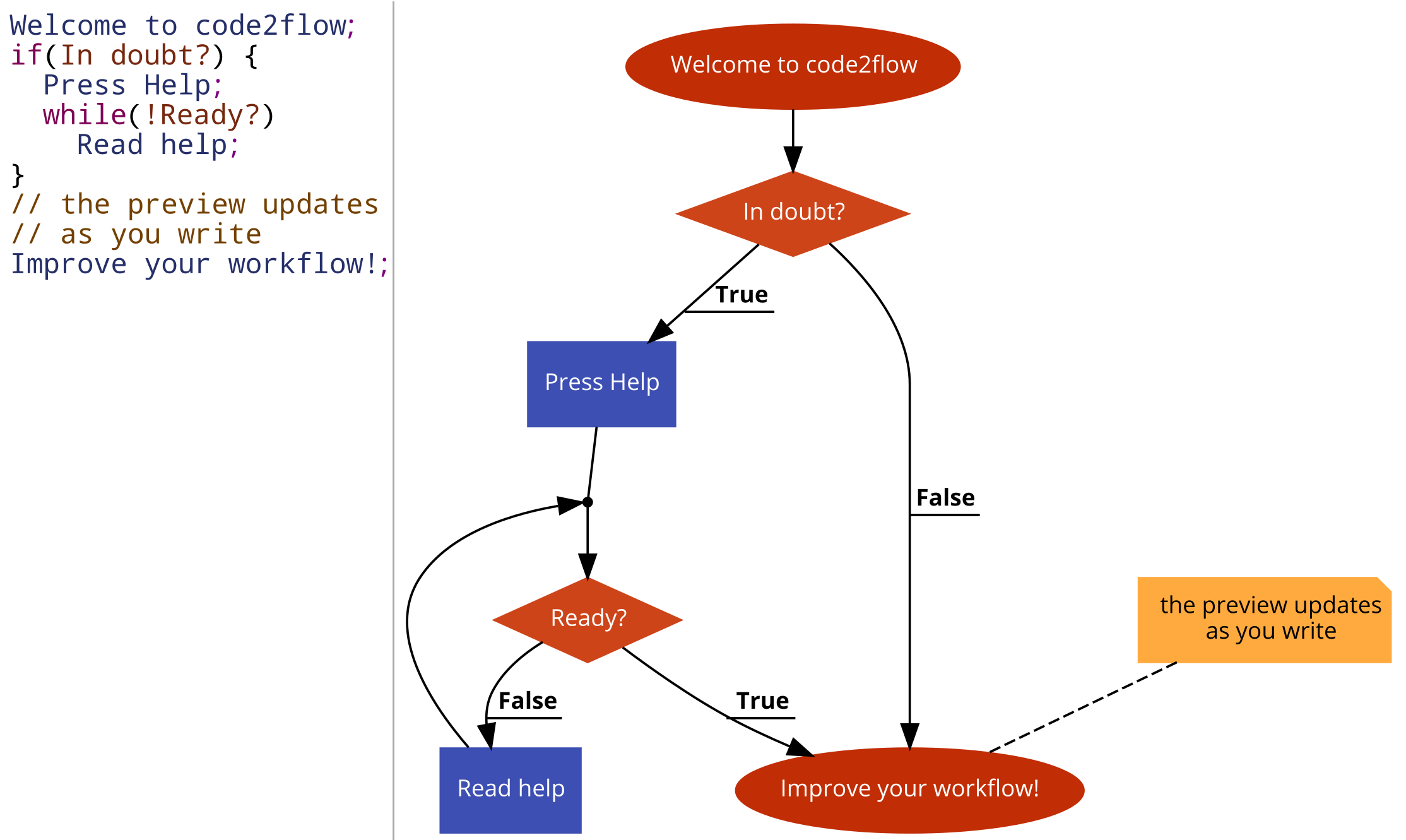
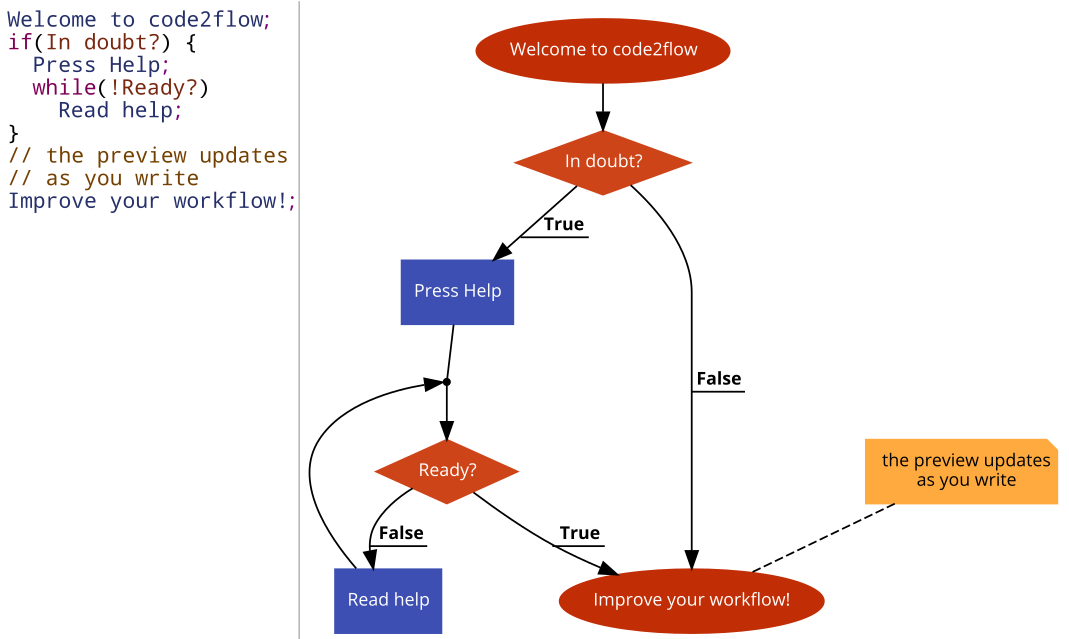
By text-based do you mean ascii-art? Right now you can output graphics alongside with text to PNG, PDF or SVG - https://code2flow.com/8qRgzO.code.png https://code2flow.com/8qRgzO.code.pdf https://code2flow.com/8qRgzO.code.svg
Re: Show HN: Code2flow – easy flowcharts with no mouse, no dragging and no hassle

#13
I like the concept! But there is one thing that seems really weird to me: Edges connecting to other edges instead of nodes. I don't recall seeing that before, at least not very often. I suppose there might be some cases where it helps the layout but I still would make it optional and maybe even default off.

Re: Show HN: Code2flow – easy flowcharts with no mouse, no dragging and no hassle

#14
Great idea!

My brain jumps from the code being psuedocode to instead being actual Swift, and the chart would be displayed in the output section of an Xcode playground.

Anyone know if something like that exists? Or if it may be easy to port an idea like this to inside a Playground?

Re: Show HN: Code2flow – easy flowcharts with no mouse, no dragging and no hassle

#16
Nicely Done!

I played with a simple OAuth2 flow and it worked great. I'm going to see about using it for all of our documentation.

Business is probably too steep for us and we wouldn't want on-prem anyway. A Saas Pro plan might be interesting if it's affordable.

Note: Download to PDF failed silently for me. Printing worked great. I haven't tested SVG or PNG yet.

Re: Show HN: Code2flow – easy flowcharts with no mouse, no dragging and no hassle

#17
I run a small business, and for $3,600/year (unbranded), I will easily choose to stay with Inkscape. I understand the importance of branding, so "white label" is a necessity. My use case is to document process flow in systems, which remain unchanged for months at a time.

Contact me if you want to talk about a pricing model that would make sense for my market segment. Maybe per-chart pricing.

Re: Show HN: Code2flow – easy flowcharts with no mouse, no dragging and no hassle

#18
post #13

I like the concept! But there is one thing that seems really weird to me: Edges connecting to other edges instead of nodes. I don't recall seeing that before, at least not very often. I suppose there might be some cases where it helps the layout but I still would make it optional and maybe even default off.

Hey, I'm not sure what you mean but if you can post a link to a broken flowchart I could try fixing it.

Re: Show HN: Code2flow – easy flowcharts with no mouse, no dragging and no hassle

#19
post #17

I run a small business, and for $3,600/year (unbranded), I will easily choose to stay with Inkscape. I understand the importance of branding, so "white label" is a necessity. My use case is to document process flow in systems, which remain unchanged for months at a time. Contact me if you want to talk about a pricing model that would make sense for my market segment. Maybe per-chart pricing.

I just wrote you an email but I'm replying here as well. If you just need to make some flowcharts they will not have a code2flow stamp in any of the pricing tiers. Maybe except free trial, but it does not watermark the output either yet. You are welcome to use the free trial until we have a paid SaaS or buy the basic self-hosted version.

The enterprise version is for companies embedding code2flow in their own products.

Many thanks!

Re: Show HN: Code2flow – easy flowcharts with no mouse, no dragging and no hassle

#20
post #18
post #13

I like the concept! But there is one thing that seems really weird to me: Edges connecting to other edges instead of nodes. I don't recall seeing that before, at least not very often. I suppose there might be some cases where it helps the layout but I still would make it optional and maybe even default off.

Hey, I'm not sure what you mean but if you can post a link to a broken flowchart I could try fixing it.

The front page demo does it with the while loop.
Post reply on HN