Live data from Hacker News

TextNut – a WYSIWYG markdown editor for Mac

textnutwriter.com

31–40 of 47 posts

Re: TextNut – a WYSIWYG markdown editor for Mac

#31

I'm really happy to see more What-you-see-is-what-you-mean Markdown editors. This previous HN discussion of Markdownify ( https://news.ycombinator.com/item?id=9354653 ) alerted me to Texts.io, which initially looked extremely promising, but was riddled with bugs. I ended up having to go back to iA Writer Pro (which is a solid, normal MD editor). For pure writing activities, stripping away (hiding) as much of the synt…

> Two-pane write/preview editors are a terrible solution.

I agree with you. You remind me there is a need in my editing workflow for a diff or divergence tool across my targets: github, PDF tooling and popular free editors where collaborators might be working.

I'm happy to learn in these comments about the http://commonmark.org/ effort.

Re: TextNut – a WYSIWYG markdown editor for Mac

#36
I am creator of TextNut. Thanks for your comments. Some of my points:

* Price disclosed - Yes, it is not my false. No way to put price there. I don't want to baiting so I provide trial.

* File save location - You can export at current version, either in page or Library level. I am working on iOS version, after that TextNut will support icloud and dropbox.

* WYSIWYG - I believe this why TextNut is unique with others, it does not mix markdown delimiter with content, also provide a way to switch between markdown and rich mode

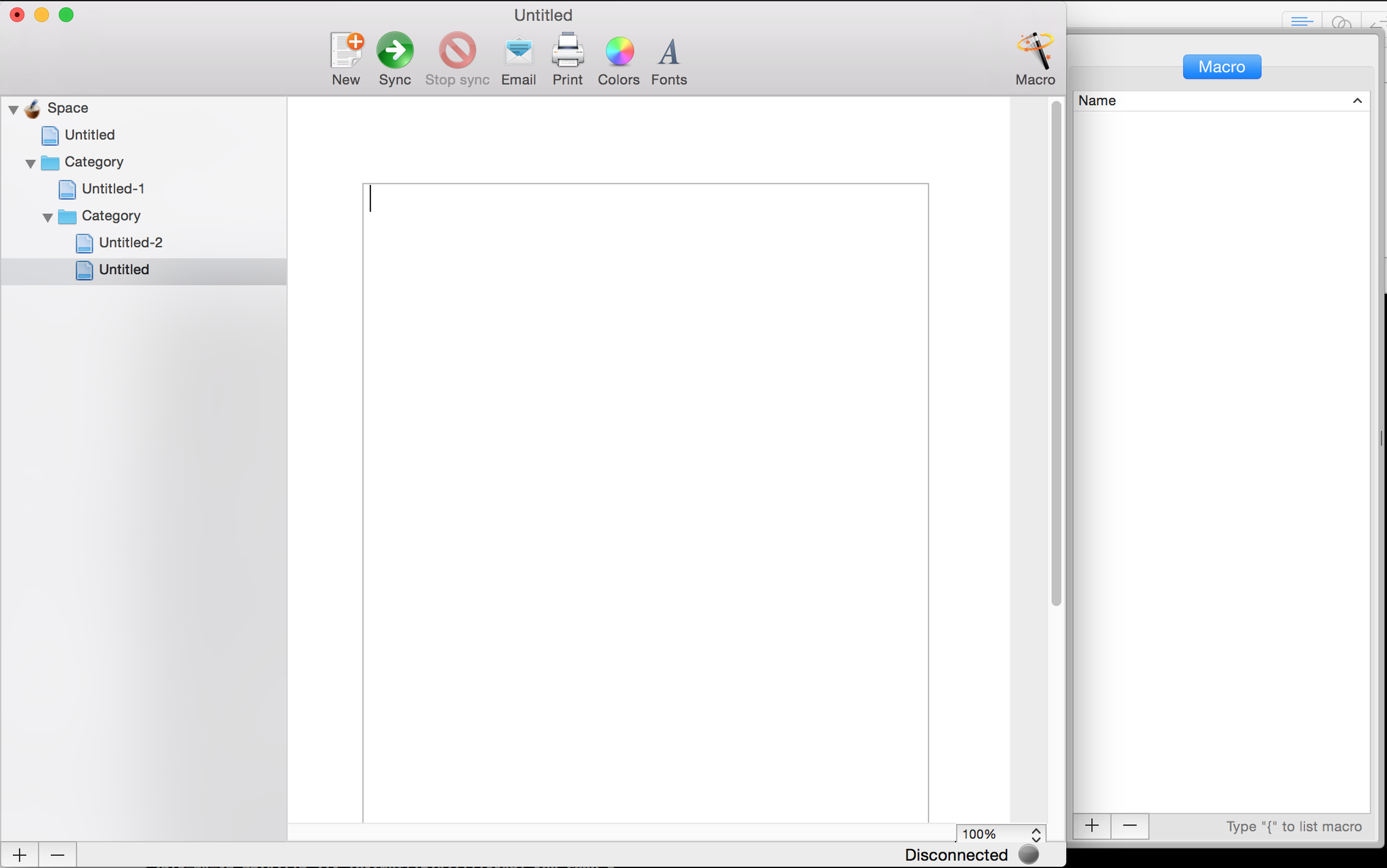
* Ulysses - unfortunately, after a few version upgrade, its UI more like Ulysses. Although I prefer you say I "rip-off" from Apple Mail most. Actually, I inherit most ideas from geniuswiki that I made since 2007. (That is why the link, image, footnote using curly bracket { to open popover!) I checked in first line code of TextNut in early of 2011, but I stopped only after very roughly UI code https://pbs.twimg.com/media/CDxHr19UIAEVArE.png:large. Although UI looks more different with current, but basic design idea never be changed since then, 3 panes: doc tree, editor, help(was call `Macro` from geniuswiki), doc title is updated by content, etc. I restarted TextNut dev since the middle of last year, I got a out-sourcing UI designer and give my first version design http://www.textnutwriter.com/img/1.png. After I add Theme in 1.1 version, I set the default theme as current light grey as it can accepted by most writers. In latest 2.1 version, Tree structure doc tree is supported, then final version looks like current. As independent developer, I only invest very small amount money for UI design. I hope users can more focus on core functionalities rather than colour palette at early stage.

Re: TextNut – a WYSIWYG markdown editor for Mac

#38

Files are saved in some undisclosed, unchangeable location (presumably the ~Library folder). This is a deal-breaker for me, since all of my documents live in a synced Dropbox folder (I could symlink the files over, but this should not need to be the case). This is more like a note taking application (like Notational Velocity), than a serious editor. Too bad, it looks nice.

Can't you just symlink it into your dropbox folder?

Re: TextNut – a WYSIWYG markdown editor for Mac

#40

Files are saved in some undisclosed, unchangeable location (presumably the ~Library folder). This is a deal-breaker for me, since all of my documents live in a synced Dropbox folder (I could symlink the files over, but this should not need to be the case). This is more like a note taking application (like Notational Velocity), than a serious editor. Too bad, it looks nice.

Can't you just symlink it into your dropbox folder?

I shouldn't have to. Beyond that, what format does it save it in?
Post reply on HN