Each page in Microsoft OneNote is an infinite canvas.
Evolving the Infinite Canvas
31–36 of 36 posts
Re: Evolving the Infinite Canvas
#32The last one reminds me of the Wii lobby. You could have all of your Mii's (avatars) in the lobby and click on "Line em up" to get them into some order, then arrange them manually (by the hair).
I wonder if something like this could be useful if paired with a Tree-like panel for navigation and some selection aware auto-arrange functionality.
Re: Evolving the Infinite Canvas
#33Earlier quoted context omitted.
Similarly, on pages like GitLab you can link to specific line(s) of code in a file...but it often is the head of that branch. The URL will resolve in the future, but its pretty common that the chunk of code has moved. I wish it was easy to grab a URL for that specific version, with a banner at the top saying it's not the newest version of the code (something I sometimes see with documentation). I don't see why Figma…
> Similarly, on pages like GitLab you can link to specific line(s) of code in a file...but it often is the head of that branch. The URL will resolve in the future, but its pretty common that the chunk of code has moved. On GitHub you can hit the 'y' key[1] and it will add the revision into the URL. GitLab will most probably have something similar. [1]= https://docs.github.com/en/get-started/accessibility/keyboar...
Thanks! It looks like they use the same shortcut key!
https://docs.gitlab.com/ee/user/shortcuts.html#project-files
Re: Evolving the Infinite Canvas
#34Thanks for this. I'm building a card game that needs an infinite canvas. I'm currently using Miro but there's no easy way to "flip" the cards so they are hidden or make certain decks just visible to their owners.
Re: Evolving the Infinite Canvas
#35I’ve been a UX engineer in the “infinite canvas” space for the last five years. Just getting the organization aligned around something that behaves Figma-like is a huge undertaking, and as some of the comments point out, Figma isn’t really a great experience even once you’ve got the bugs ironed out. I’ve got some ideas about how to improve on this, but they’ll probably have to wait until my current employer goes under. Shouldn’t be too much longer now
Re: Evolving the Infinite Canvas
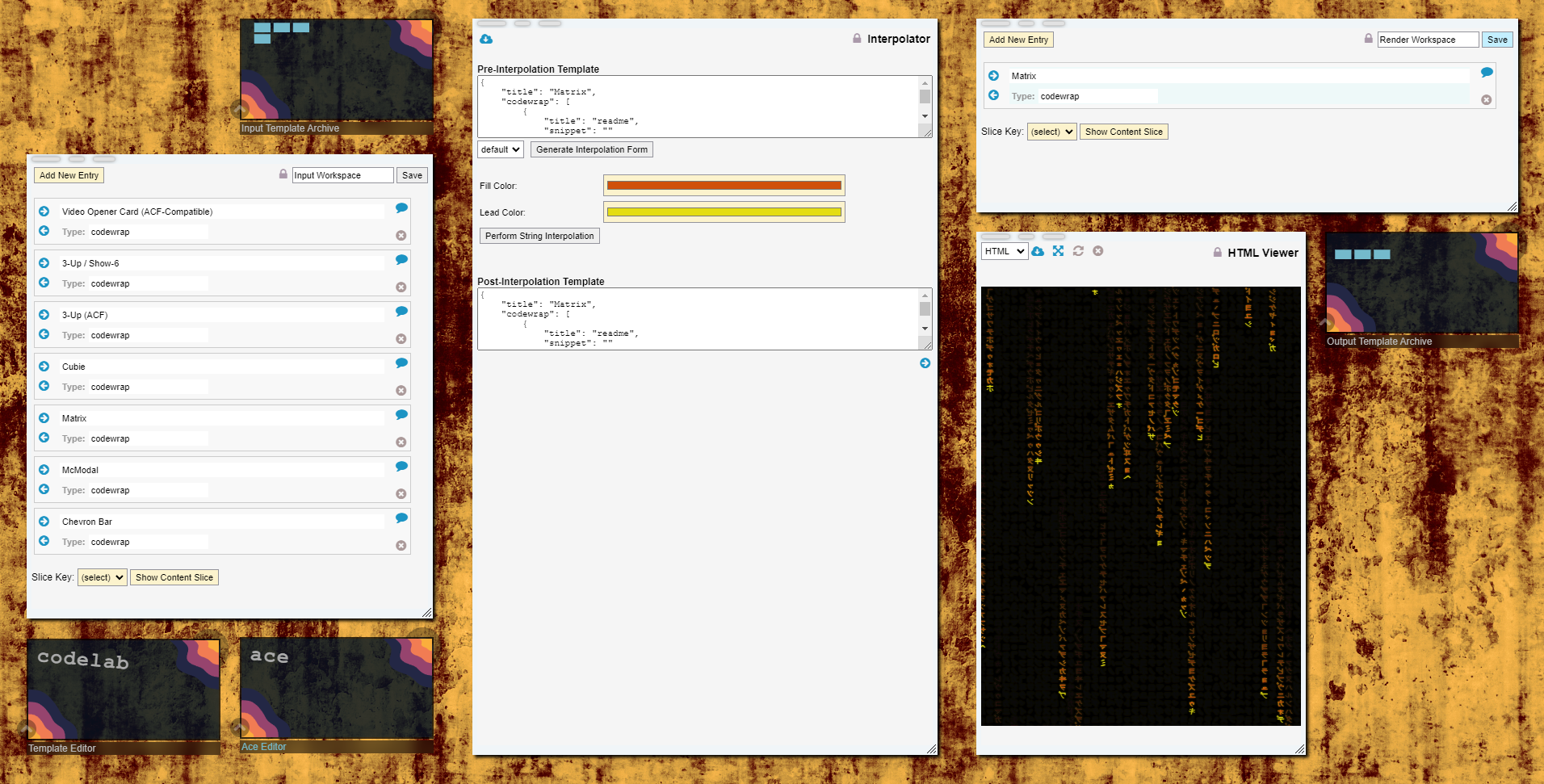
#36I use a modified version of this paradigm for personal desktop apps that I write for myself to use. In these apps, all the screen elements initially fit within a 1920x1080 area, which is the minimum resolution among all my monitors. To achieve the infinite canvas effect, there could be icons near one or more of the edges. When clicked on, the icon opens a panel in the direction of the nearest edge and the canvas auto-scrolls to it. The panel could, itself, be a canvas, allowing for recursion.
Here is a screenshot of one of such app that I'm currently working on:
http://shadowcatcher.mindcast.com/imgShow.php?clip=way757yrh...