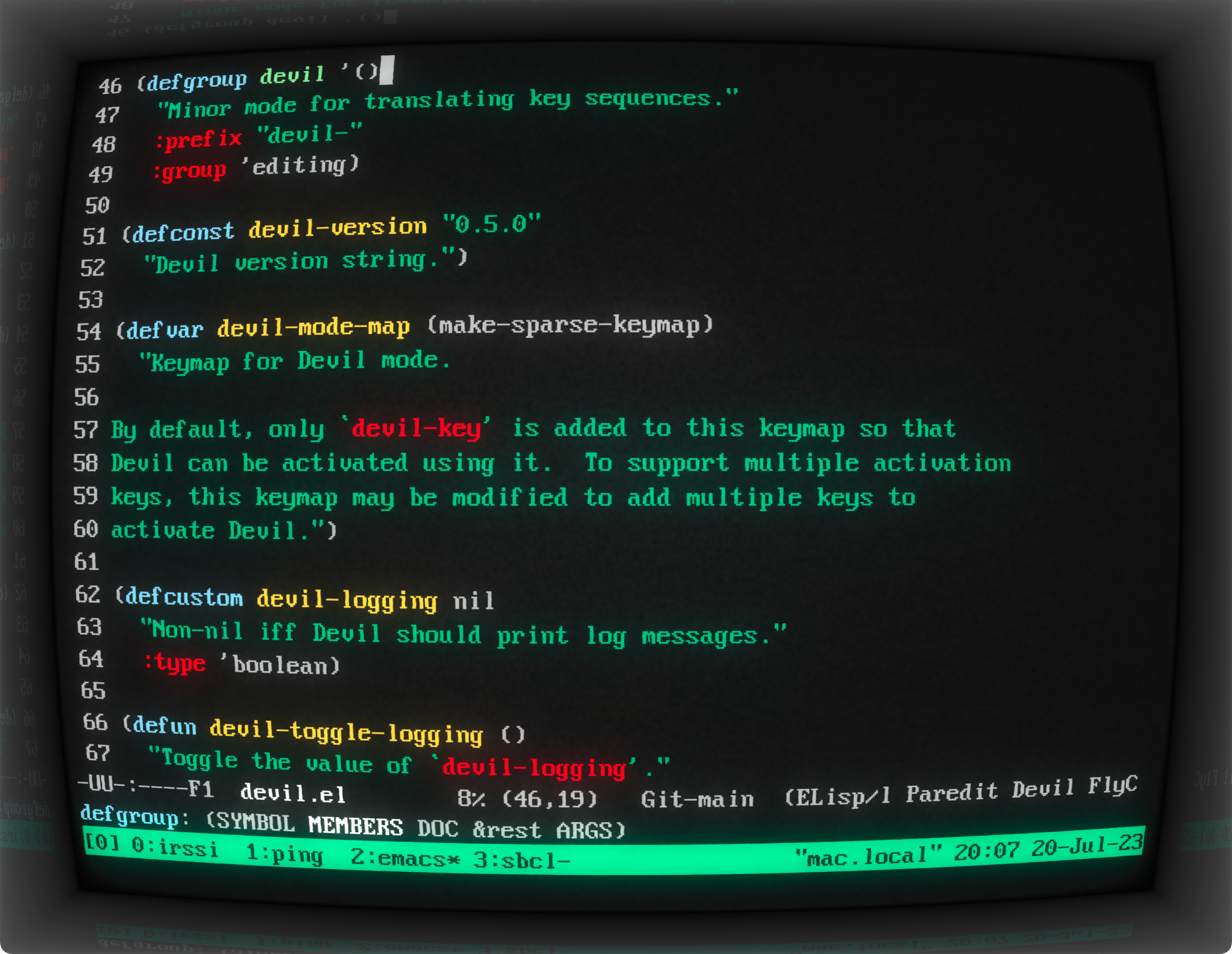
I enjoy using using cool-retro-term from time to time. I don't run it for long but I do run it sometimes for the sake of nostalgia. I usually run it in full screen and increase the font size to approximate 80x24/25 terminals for an immersive experience. To balance practicality with nostalgia, I run a tmux session in cool-retro-term. It helps with conveniently switching back and forth between cool-retro-term and a regular terminal without losing the terminal session.
The terminal effects are configurable. I disable the settings named Burin, Glow Line, and RGB Shift to get a crispy and distraction-free experience. The RGB Shift setting is disabled for most built-in profiles anyway but enabled for some profiles like Vintage and IBM Dos. By the way, the Vintage profile is quite amusing. Many settings are cranked way up in this profile! The text is blurry, and the incessant flickering of the screen creates an unsettling impression that the monitor might break down any moment.
A nice little detail I like about cool-retro-term is the reflection of the screen on the glossy frame of the monitor. If we increase the Screen Curvature setting to 50% or more, we can quite clearly see the reflection of the top line or bottom line of the terminal on the frame.[1]
In case you haven't noticed it, the app is named cool-retro-term and it is abbreviated to CRT. The app icon[2] is also "CRT" written using large letters followed by a large cursor. Guess what else is abbreviated to CRT? Yes, "cathode-ray tube" of the cathode-ray tube computer monitors.
[1] https://susam.github.io/blob/img/cool-retro-term/2023-07-20-...
[2] https://github.com/Swordfish90/cool-retro-term/blob/f157648d...