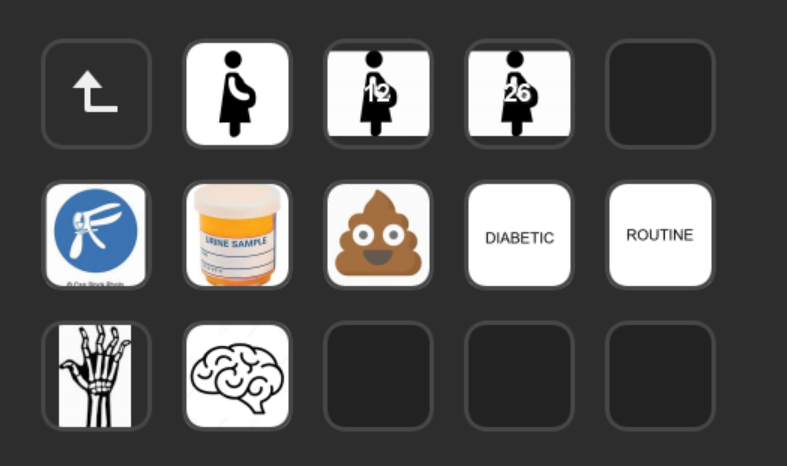
When I looked at this, I thought, I am typing blind, how would I use this? Are you looking down on your controller or somehow manage to use it blind?
This isn't really for typing, you're expected to look.
31–40 of 118 posts
When I looked at this, I thought, I am typing blind, how would I use this? Are you looking down on your controller or somehow manage to use it blind?
I also use the media controls for Spotify.
This particular board has extra buttons you can use for, say, muting Zoom.
As an aside, volume on Windows is a horrible mess. You can have an external speaker volume, a system Master volume, an app-specific volume (the last 2 through the Windows Volume Mixer) and then volume settings inside a game.
One thing I appreciate about iOS for example is there's just one volume for what you're doing. There are separate volumes (eg ringer, speaker, music) but you only ever adjust one and it's context-dependent. Listening to music? You adjust music volume. On a call? You're adjusting call volume. Not on a call? You're adjusting ringer volume.
In an ideal world, the hardware volume could be synced to the system master volume and there would be no game or app specific volumes. All of these would be deffered to the volume mixer. Or at least any in-game or in-app controls would merely adjust that volume.
I can but dream.
The only thing this particular board doesn't have is motorized sliders for volume. I didn't really find any options for this less than $300-500 and they tended to be much bigger boards. I'd really prefer a slider to a knob but that's just nit-picking.
the main one all over google search results only works on windows
an idea I had last week seeing this article is to buy a USB 10-key numpad from a pawn shop, and use something like kmonad[0] to map key presses from that device to specific actions.
Reuse some existing tech, and you can just tape over buttons. It's not exactly the same product for obvious reasons, but I feel like you can do some magic with statusbars and toasts in scripts to get something decent.
question for fellow streamdeck users - is there any voice change software for mac? like if i want to add echo or autotune while i speak by pressing a streamdeck button. the main one all over google search results only works on windows
Loopback is paid software but it'd seem they have this precise scenario described on their website: https://rogueamoeba.com/support/knowledgebase/?showArticle=M...
This is interesting. Is anything known or documented about the low-level protocol used to upload images and recognize input? I can see it being useful as a controller for specialized applications, including embedded ones, but only if there's a low-level C API.
If you want to load up a layout / config itself, it's a pretty simple zip file with json files and PNGs. (With some idiosyncrasies like requiring directory entries - that's 4 hours of debugging I'm never getting back)
https://www.etsy.com/listing/825756246/digital-audio-volume-...
I would love it if Apple figured out how to do this with their keyboards. Might be up against some laws of physics, but would be nice.
They have touch bar on some MacBook models. Or is it about the tactile feel of physical buttons?..
With the touchbar I really missed having the fixed set of tactile keys for sound/media control, screen brightness.
I also found I was fat fingering the Touch Bar to much due to my clumsy typing and naturally resting hands on the function keys.
I ended up disabling the Touch Bar only keeping sound and brightness icons.
The biggest disadvantage to the Touch Bar was ergonomics, loosing frequently used tactile keys, the position, needing to look down to see what you are pressing and the ease of fat fingering keys by mistake.
The concept is good but the implementation didn’t work on a laptop. The stream deck looks to be a bit more ergonomic, you can position it somewhere convenient, the keys are on an angle so easier to see, I imagine the big tactile buttons also work well.
Disliking the Touch Bar I’d also highly likely by an Apple external touchbar with tactile keys if it was sized similarly to an external number pad I could tilt up on an angle.
The other handy one is the mac email notification button, showing how many new emails I have.
I think they are way too expensive for what they are but now I have one, I would probably spend the money again if it got stolen.