Live data from Hacker News

Git rebase -i is not that scary

cachebag.sh

21–30 of 155 posts

Re: Git rebase -i is not that scary

#21

Another git command I love using is `git add -p`. I always want to commit in chunks as I go but sometimes I wait to long or realize later I could have broken it up. Being able to select only pieces of a file to add to a specific commit is so great. Editing the chunks manually can be a bit intimidating but since it only stages the change you can always restore the file and try again if the diff doesn't look right afte…

That "git add -p" works from the command line is cool, but this is the one git task that I feel is significantly easier using a GUI tool (I use one specifically for this (and viewing diffs) while otherwise mostly using the command line).
Re: Git rebase -i is not that scary

#23
sometimes i wish mercurial won, if nothing else for the fact that i found its ux to be more enjoyable. I respect and use git, but never got comfortable with merging. im thankful AI can automate it for me now

Re: Git rebase -i is not that scary

#24
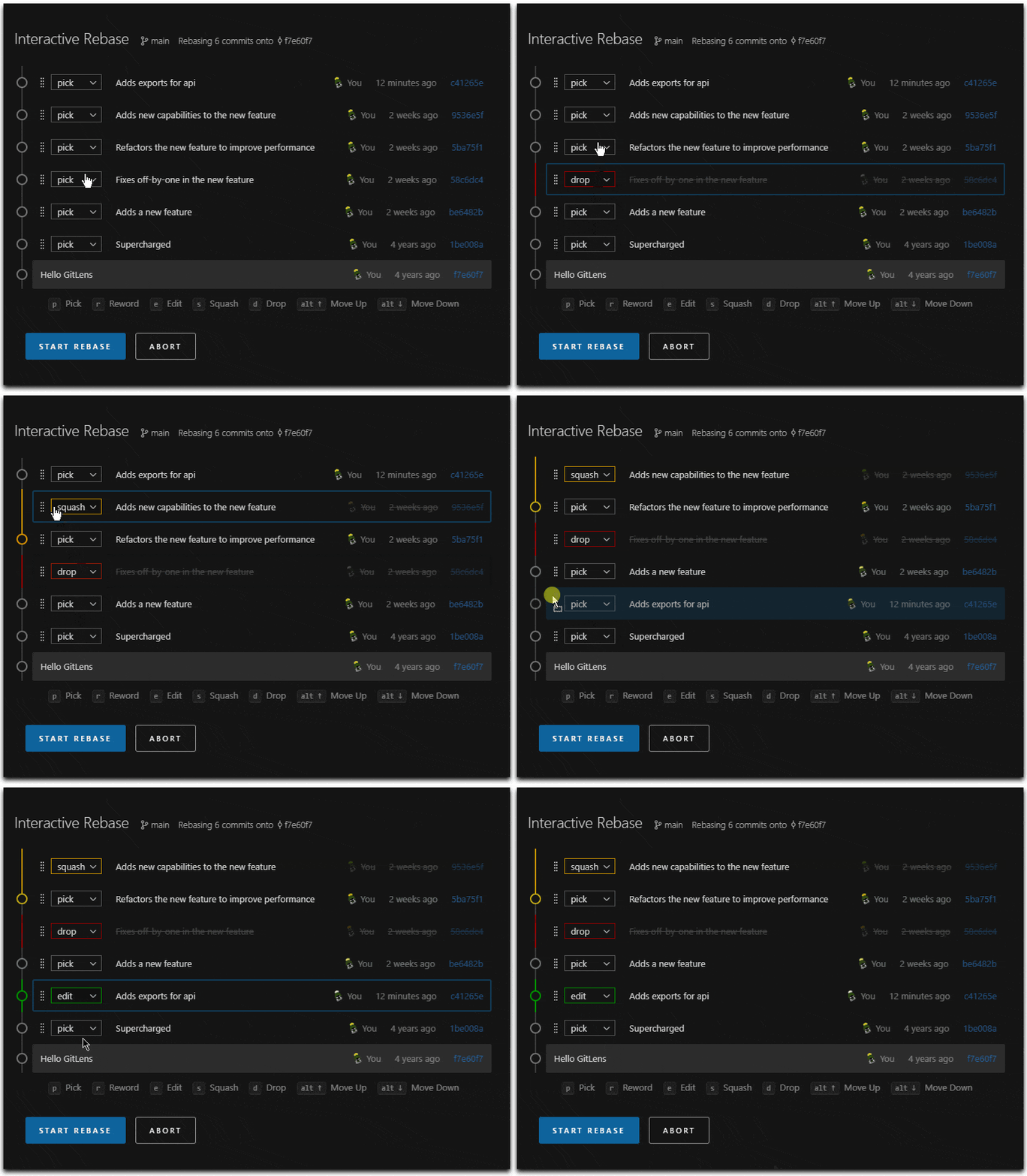
I found the VS Code GitLens extension to be a good abstraction for interactive rebase. It provides a drag-and-drop UI with a dropdown to select actions applied to each commit. That is much easier than editing a text file.

Here's a GIF I found with Google: https://yogwang.site/2025/cursor-vscode-gitlens-rebase-edito...

Re: Git rebase -i is not that scary

#30

Another git command I love using is `git add -p`. I always want to commit in chunks as I go but sometimes I wait to long or realize later I could have broken it up. Being able to select only pieces of a file to add to a specific commit is so great. Editing the chunks manually can be a bit intimidating but since it only stages the change you can always restore the file and try again if the diff doesn't look right afte…

That "git add -p" works from the command line is cool, but this is the one git task that I feel is significantly easier using a GUI tool (I use one specifically for this (and viewing diffs) while otherwise mostly using the command line).

I used to feel the same, and I still use a TUI tool, but after working with people who always used the CLI for this (who oddly otherwise were big into IDEs) it's actually an oddly really nice experience and not really any faster or slower. In fact, seeing a hunk at a time has this "focusing" affect on thinking about each change.

Again, though, I still use a visual tool.

Post reply on HN