Live data from Hacker News

XP Paint – A Web-Based Version of Window XP's MS Paint

chowderman.github.io

21–30 of 111 posts

Re: XP Paint – A Web-Based Version of Window XP's MS Paint

#21

Earlier quoted context omitted.

Isn't mspaint in Windows 10 basically the same thing but with a ribbon instead of a toolbar? I don't much care for the ribbon but I'm used to it now. Hitting WinKey-R, mspaint, [Enter] is still my goto for simple picture editing, even just recording a screenshot despite the existence of the snipping tool... Other than the minor annoyance of getting used to the ribbon I felt as if I was still using the same old paint…

Two things I dislike about the new Paint are; 1. Can't select secondary colour with right click 2. Needs way more clicks to get a filled Rectangle

Number 2 took me from using paint constantly to just using photoshop instead.
Re: XP Paint – A Web-Based Version of Window XP's MS Paint

#23

Earlier quoted context omitted.

you know it! It had a sleek and modern look for the time, while still having the simplicity and user-friendliness of MS Paint from Win 95/98. really wish this version of paint was still supported in Win 10

Surely it can be packed as an Electron app?

I wouldn’t be surprised if a stripped-to-the-bone installation of WinXP in a VM, running only Paint, is lighter on system resources than Electron running this.

Re: XP Paint – A Web-Based Version of Window XP's MS Paint

#25

This version of MS Paint is like the peak example of covering 99% of basic use cases while being incredibly simple to use. Whenever I need to make an arbitrary image real quick I miss this version of Paint. Nothing else I can find in 2020 even comes close to its intuitive interface.

> I miss this version of Paint

Well you are in luck: https://archive.org/details/MSPaintWinXP

I use this all the time on my Windows 10 box.

Just download, rename to "mspaintxp.exe" and put it in C:\Windows\System32. Optionally update Paint shortcut to point to that one so when you type "Paint" in start menu that's the new default.

Re: XP Paint – A Web-Based Version of Window XP's MS Paint

#26

This version of MS Paint is like the peak example of covering 99% of basic use cases while being incredibly simple to use. Whenever I need to make an arbitrary image real quick I miss this version of Paint. Nothing else I can find in 2020 even comes close to its intuitive interface.

Kolourpain is better. It does transparency, fill with a configurable distance, and supports more file formats. Other than these, it's quite similar :)

https://kde.org/applications/graphics/org.kde.kolourpaint

http://www.kolourpaint.org/screenshots.html (that website could use an update...)

Re: XP Paint – A Web-Based Version of Window XP's MS Paint

#29
post #25

This version of MS Paint is like the peak example of covering 99% of basic use cases while being incredibly simple to use. Whenever I need to make an arbitrary image real quick I miss this version of Paint. Nothing else I can find in 2020 even comes close to its intuitive interface.

> I miss this version of Paint Well you are in luck: https://archive.org/details/MSPaintWinXP I use this all the time on my Windows 10 box. Just download, rename to "mspaintxp.exe" and put it in C:\Windows\System32. Optionally update Paint shortcut to point to that one so when you type "Paint" in start menu that's the new default.

If you're looking to run it with Wine, you'll also want a copy of the IA32 version of mfc42u.dll.

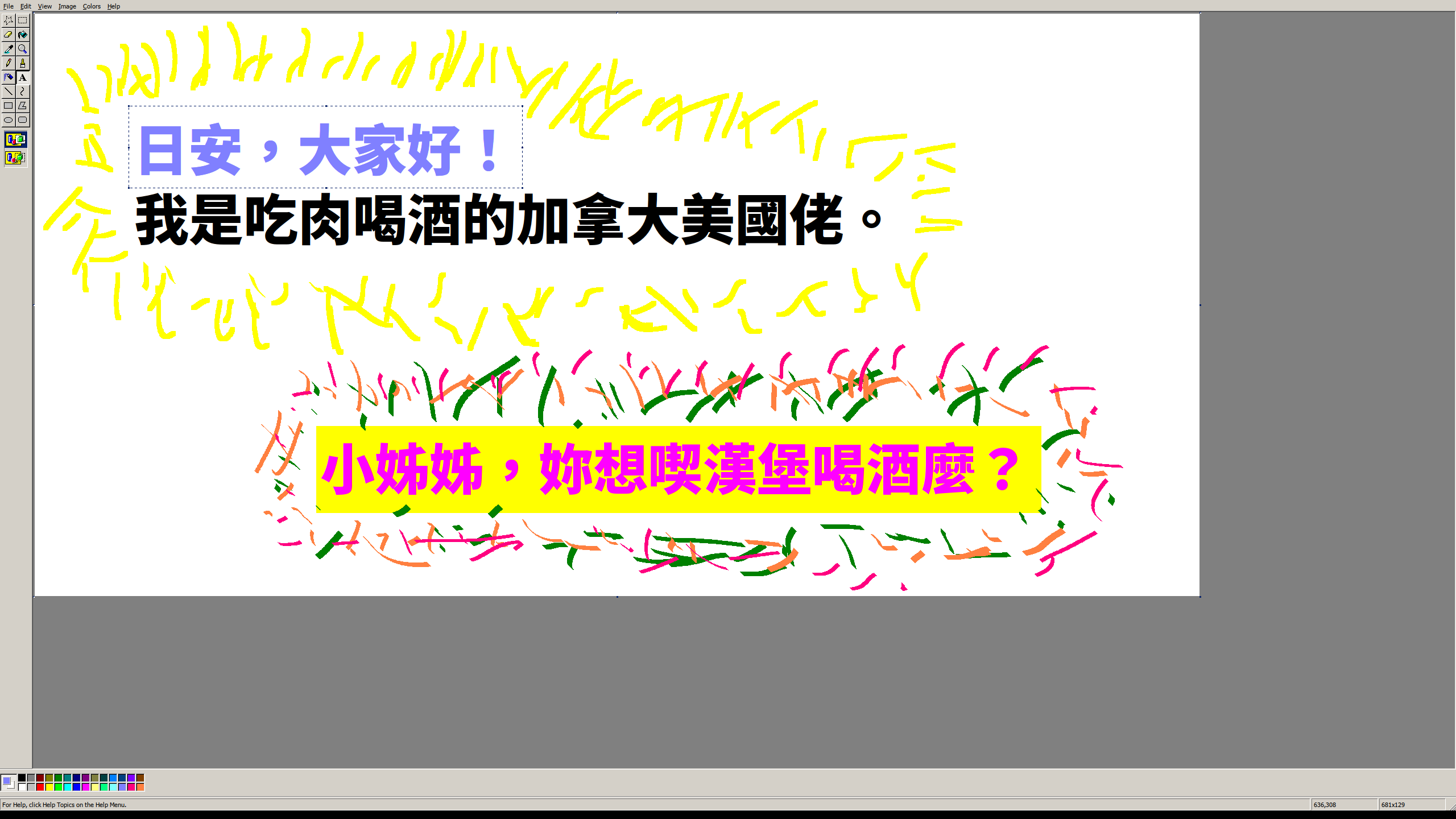
added: totally necessary proof https://qui.suis.je/drop/peakfun.png

Post reply on HN