Live data from Hacker News

I use Excalidraw to manage my diagrams for my blog

blog.lysk.tech

101–110 of 120 posts

Re: I use Excalidraw to manage my diagrams for my blog

#101
post #22

I love diagramming, but I genuinely don't understand how people can use these wonky looking tools. It looks off, I had to make my own[1] to create something that's easy to use and looks good/normal. [1] https://grafly.io

I absolutely love it that you can import mermaid. I love mermaid because I'm a huge fan of anything related to code that can I check into git, track its evolution and the thinking that went behind it.

However, those who don't know mermaid have to struggle with updating my diagrams. Your approach, atleast in theory, should get us the best of both worlds. Mermaid for those who would like to and the mouse for those who don't.

This also addresses the issue that large complex diagrams can get unwieldy using Mermaid and moving things around with a mouse would fix those edge cases.
Re: I use Excalidraw to manage my diagrams for my blog

#102

It would have been great if Excalidraw made it easier to do manage multiple scenes. I use its PWA and save individual files on the disk.

I thought about forking the pwa - should be easy to add the same concept using https://developer.chrome.com/docs/capabilities/web-apis/file... but I didn't want to leave vscode

Re: I use Excalidraw to manage my diagrams for my blog

#103

I have noticed diagrams are most useful early in thinking, but once things get complex they either become outdated or too hard to maintain. Curious how people here deal with that, do you keep diagrams in sync with code, or treat them as disposable?

I treat them as sketches, the way Martin Fowler used to describe a UML diagram. They have to be either disposable or treated as a notepad. I reconstruct the full picture only when it's necessary from "sketches". E.g., since Lucid has an infinite canvas, I'll put all my different diagrams on a single canvas, along with little diagrammatic "ideas", "notes", "brain-f$rts", etc.

For a presentation or project documentation artifacts, I can then go thru my sketches and pull bigger pictures together easily. I applied Fowler's "sketch" principle in my own tool ormle.com

Re: I use Excalidraw to manage my diagrams for my blog

#104

Excalidraw has proliferated quite widely in my company since we got Claude Code. Its a shame the default font is ugly, childish and inaccessible.

I love excalidraw, but I have to agree. It also looks very unprofessional so if you ever have to write customer-facing diagrams, you have tool fragmentation. I just stick to draw.io now (aka diagrams.net)

Why does it cause tool fragmentation? You can change the font to a normal sans-serif font or to a monospaced font.

Personally I like the default font. It looks weird to have my crappy doodles next to a normal computer font. The default one is very legible but has a style (and ligatures) that make it feel not too neat

Re: I use Excalidraw to manage my diagrams for my blog

#105
post #88
post #85

Looks pretty cool. I think it's great that you support light/dark mode. FWIWI, I'm also a huge fan of Excalidraw. I wanted to ask you: is there's a reason you use a separate svg file for each (light/dark) mode? A single SVG file using CSS can change it's own colors based on the user's preference. I have an example here: http://alejo.ch/3jj - the 3 plots should honor your mode (I put the generator code here: https://g…

My goal is that it renders on GitHub as well as on my blog. GitHub doesn’t support css based dark mode afaik

Ah, you have a button for the toggle! Did you know that you can conform to the user's light/dark preference with CSS? Like this:

    :root { --varname: #FFE; }
    
    @media (prefers-color-scheme: dark) {
        :root { --varname: #022; }
    }
Edit: To expand on this, I dislike light/dark toggles. If I have dark mode on, seeing a bright screen and having to search for a toggle is jarring. Just show me the colours according to my preference!

Re: I use Excalidraw to manage my diagrams for my blog

#106
post #105
post #88

Earlier quoted context omitted.

My goal is that it renders on GitHub as well as on my blog. GitHub doesn’t support css based dark mode afaik

Ah, you have a button for the toggle! Did you know that you can conform to the user's light/dark preference with CSS? Like this: :root { --varname: #FFE; } @media (prefers-color-scheme: dark) { :root { --varname: #022; } } Edit: To expand on this, I dislike light/dark toggles. If I have dark mode on, seeing a bright screen and having to search for a toggle is jarring. Just show me the colours according to my preferen…

How can you detect the system preferences in the browser?

Re: I use Excalidraw to manage my diagrams for my blog

#107
post #105

Earlier quoted context omitted.

Ah, you have a button for the toggle! Did you know that you can conform to the user's light/dark preference with CSS? Like this: :root { --varname: #FFE; } @media (prefers-color-scheme: dark) { :root { --varname: #022; } } Edit: To expand on this, I dislike light/dark toggles. If I have dark mode on, seeing a bright screen and having to search for a toggle is jarring. Just show me the colours according to my preferen…

How can you detect the system preferences in the browser?

I answered that in the comment you're replying to. If you want a more authoritative answer: https://developer.mozilla.org/en-US/docs/Web/CSS/Reference/A...

Re: I use Excalidraw to manage my diagrams for my blog

#108

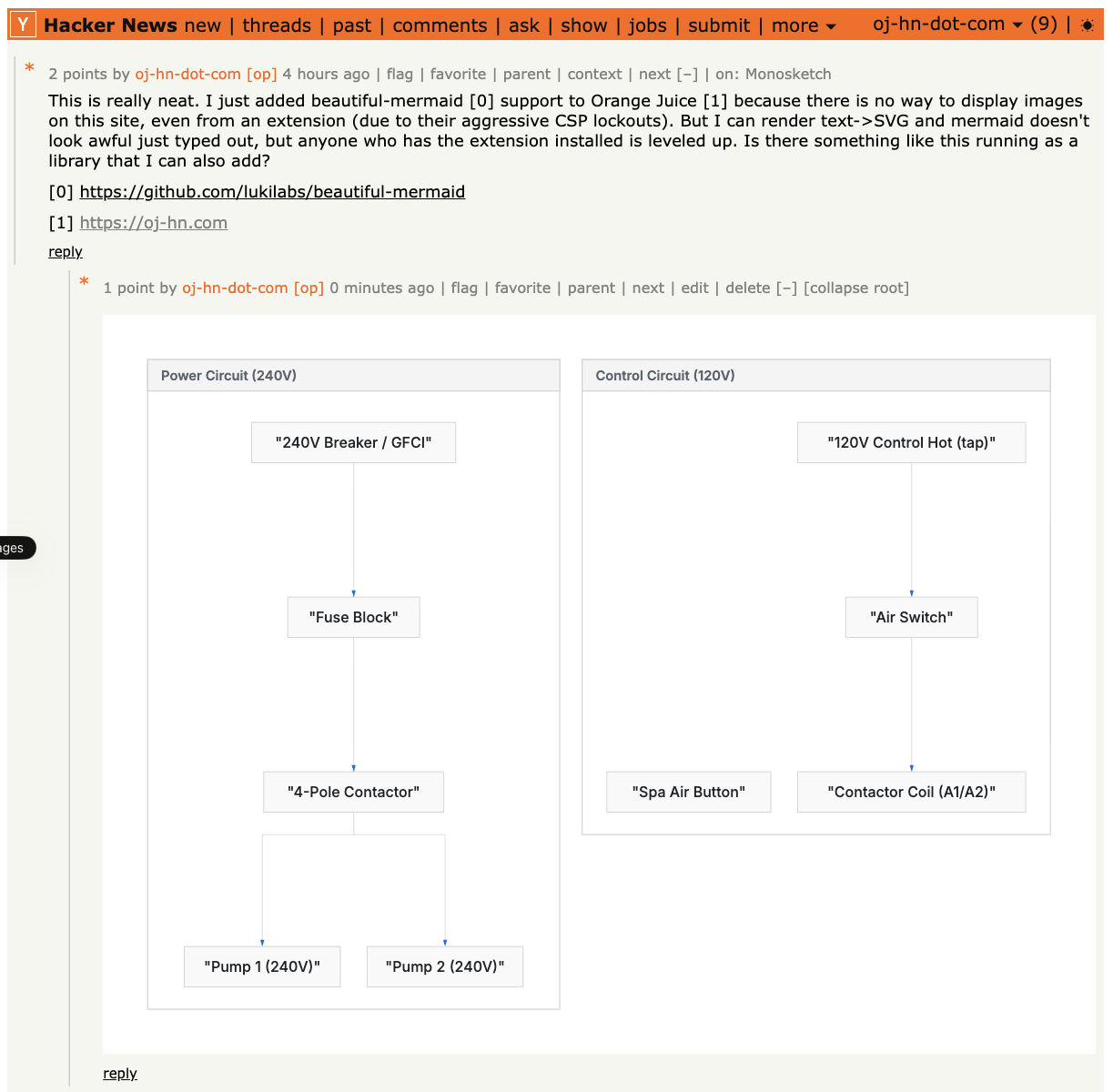
Huge fan of https://github.com/mermaid-js/mermaid , not the prettiest things but enough to scratch the itch.

I made it so that anyone who writes mermaid in HN comments, can see it inline comments, when the OJ extension is installed.

https://oj-hn.com/assets/mermaid-light.png

Re: I use Excalidraw to manage my diagrams for my blog

#109
post #92
post #75

Earlier quoted context omitted.

The best way to drive adoption to your product is to not shit on someone else's labour of love. Just a little pro-tip.

How did I shit on excalidraw? I don't like how it looks, it's a personal preference. I don't think saying that equates to shitting on it.

1) You literally call Excalidraw a "wonky looking tool".

2) You claim you don't understand why people use it.

3) You claim your vibecoded substitute is more "normal" implying Excalidraw is abnormal.

Re: I use Excalidraw to manage my diagrams for my blog

#110
post #88
post #85

Looks pretty cool. I think it's great that you support light/dark mode. FWIWI, I'm also a huge fan of Excalidraw. I wanted to ask you: is there's a reason you use a separate svg file for each (light/dark) mode? A single SVG file using CSS can change it's own colors based on the user's preference. I have an example here: http://alejo.ch/3jj - the 3 plots should honor your mode (I put the generator code here: https://g…

My goal is that it renders on GitHub as well as on my blog. GitHub doesn’t support css based dark mode afaik

Last I checked on this the workaround is embedding CSS inside an SVG, here's a demo: https://github.com/sindresorhus/css-in-readme-like-wat

I used this on a personal project to add a README logo that is dark mode friendly: https://paul.af/github-readme-dark-mode

Post reply on HN