Thinking with pen and paper
ljvmiranda921.github.io
Thinking with pen and paper
1–10 of 168 posts
Re: Thinking with pen and paper
#2For me pen and paper being beneficial is a strong signal of an interesting project.
A large part of day-job work doesn't deserve the pen and paper - We just need to track TODOs, links and some other bullet points for them. Digital tools are very good at these because it's optimized for them.
On the other hand, if a problem demands the flexibility and the visual capacity of the pen and paper, it's a good sign of the sufficiently large intellectual problem space it contains.
Re: Thinking with pen and paper
#3Great write up! I use pen and paper to off load my mind
Re: Thinking with pen and paper
#4Is Zettelkasten the new Getting Things Done yet? I feel like I'm seeing essays about How I Zettel with the same frequency I used to see essays about How I GTD back when 43folders was pioneering the genre of "productivity influencer".
(edit: amusingly enough, I find this near the end: "I also mentioned Zettelkasten many times in this post, but I don’t do that anymore–I just did a 1-month dry run and it felt tiring.")
Re: Thinking with pen and paper
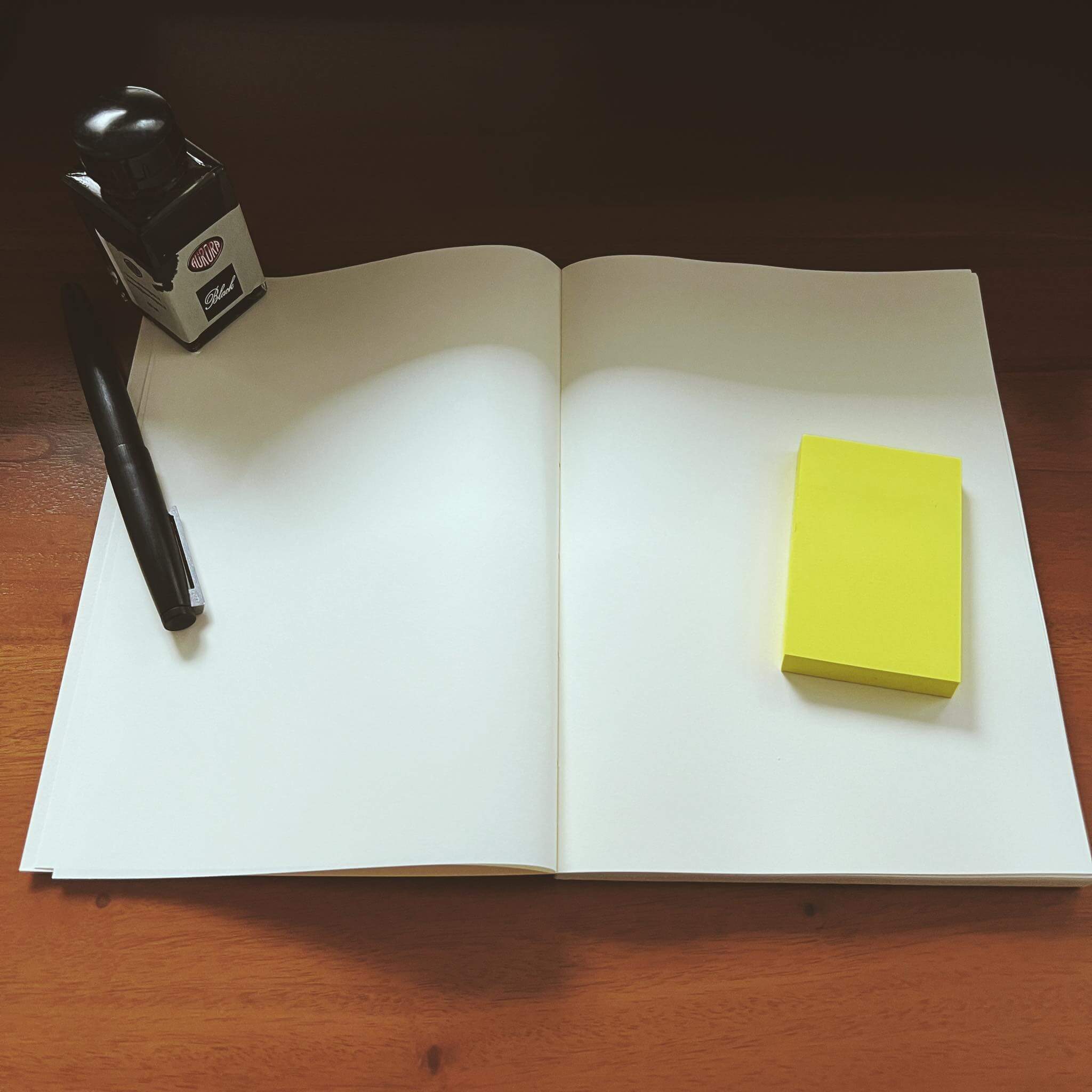
#5If you have a notebook / sketchbook / journal and it needs to be held open with an object look for another notebook [1]. It seems trivial but that is a poorly designed notebook.
1. https://ljvmiranda921.github.io/assets/png/pen-and-paper/bla...
Re: Thinking with pen and paper
#6I think OP touches on it but even with a graphics tablet, there is no way I can create simple drawings and sketches on the computer compared to pen and paper. Even a simple box in powerpoint is:
1) Check if you are on the correct ribbon 2) Click the box icon (unless you have millions of shortcuts setup) 3) Drag and drop it 4) Maybe change the defaults which you don't like (colour, thickness etc) 5) If you are typing text in it, that rarely works out well without clicking other buttons
On paper: draw box and write text - simples.
Re: Thinking with pen and paper
#7Even a simple to-do list. Crossing an item off with pen on paper provides a much more satisfying feeling of accomplishment than deleting the task or striking through the text in an app.
Re: Thinking with pen and paper
#8I started bullet journaling with pen and paper and it has changed my life. Intentionality -- that's exactly right. When I write I feel intentional.
I've also dove into the world of nice paper and fountain pens. I've always had hand cramps when writing, whether using a cheap Bic or a Pilot G7. With fountain pens, that's all gone, and writing is effortless. You can get started with this cheaply by getting a platinum preppy fine or extra-fine pen ($4), and a bottle of ink ($10). You want a fine or extra-fine nib, because anything else will feather and bleed on cheap paper, but fine or extra-fine works just fine on cheap paper.
Your pen can be converted into an "eye dropper" pen with a little bit of silicon grease and a small rubber gasket, and you'll rarely need to refill it.
Re: Thinking with pen and paper
#9I think OP touches on it but even with a graphics tablet, there is no way I can create simple drawings and sketches on the computer compared to pen and paper. Even a simple box in powerpoint is: 1) Check if you are on the correct ribbon 2) Click the box icon (unless you have millions of shortcuts setup) 3) Drag and drop it 4) Maybe change the defaults which you don't like (colour, thickness etc) 5) If you are typing…
I am not sure why it needs to be this complicated for a graphics tablet.
Open paint software -> use stylus to draw square.
Re: Thinking with pen and paper
#10I started bullet journaling with pen and paper and it has changed my life. Intentionality -- that's exactly right. When I write I feel intentional. I've also dove into the world of nice paper and fountain pens. I've always had hand cramps when writing, whether using a cheap Bic or a Pilot G7. With fountain pens, that's all gone, and writing is effortless. You can get started with this cheaply by getting a platinum pr…
> Your pen can be converted into an "eye dropper" pen with a little bit of silicon grease and a small rubber gasket, and you'll rarely need to refill it.
Please expand on this. I’m utterly confused as to what you mean and why you’d need it.