Here are a couple of resources I think can help you:
- old x86 PCs boot in BIOS mode: https://opensource.com/article/17/2/linux-boot-and-startup
With BIOS, your PC initializes hardware and contains firmware drivers for reading disk drives. BIOS loads the first sector (MBR) from the selected boot drive to a fixed memory location and jumps to it. Everything else is up to the bootloader (BIOS still provides methods for reading disk, interacting with the keyboard/moues and text or (S)VGA video output). GRUB2 is saved to the disk in two stages: Stage 1 is - new x86 PCs and some ARM use UEFI: https://hackaday.com/2021/11/30/whats-the-deal-with-uefi/
UEFI works similarly, but is cross-platform (can work on x86, x86_64, itanium, 32bit and 64bit ARM, possibly on RISC-V). UEFI doesn't look for boot drives but for EFI applications (bootloaders) on a special EFI System Partition (uses FAT32 filesystem per spec, but can be any filesystem your UEFI firmware has a driver for). The firmware then loads the configured UEFI application and runs it (it also provides services for input devices, disks, networking, display). GRUB does the same as above.
The only difference is if you are using a distribution that has a signed bootloader (using Microsoft's UEFI CA) probably also check whether the kernel and 3rd party modules are signed using distribution's or your (owner's) signing keys.
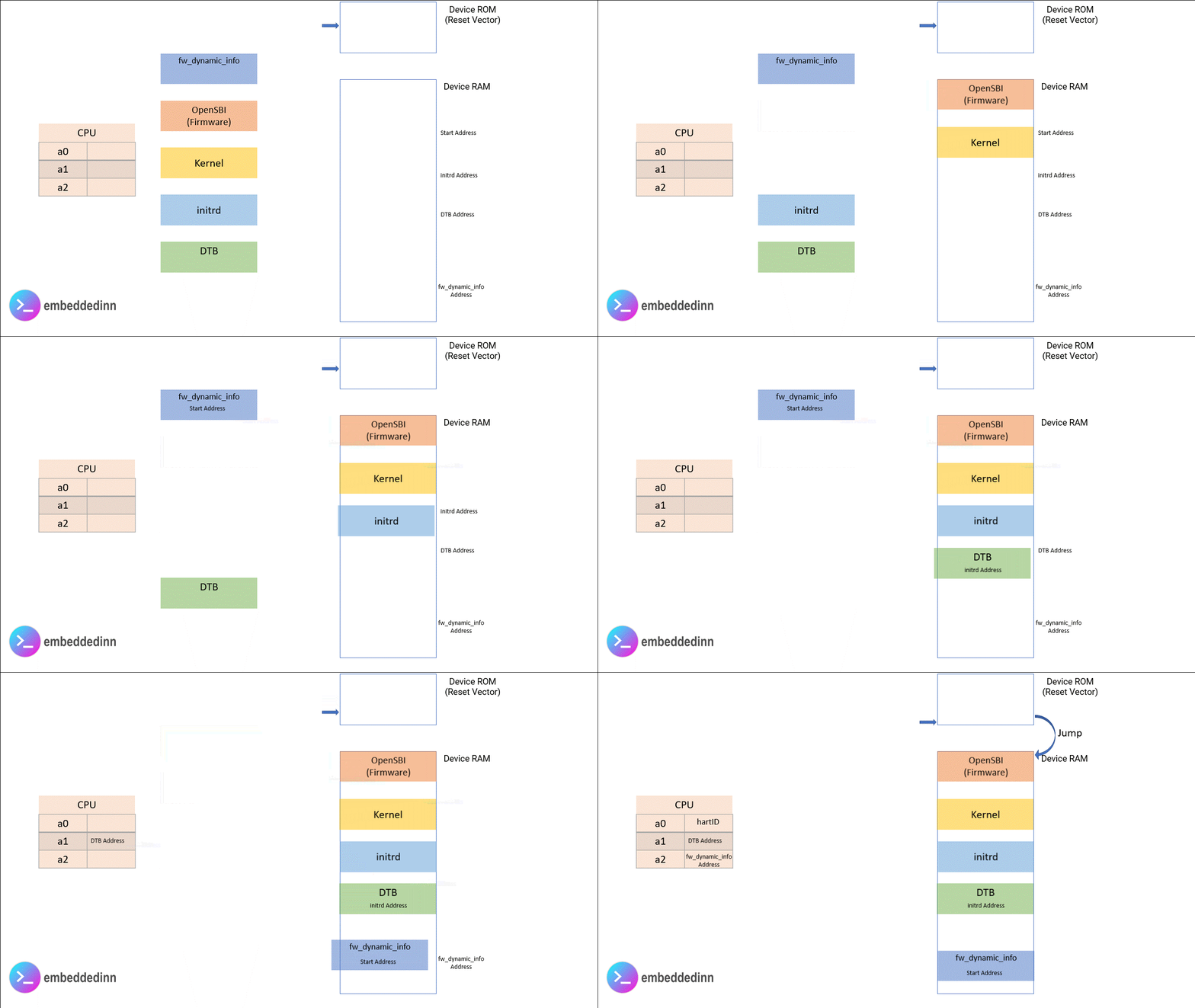
- other ARM devices and most MIPS, RISC-V commonly use U-Boot with Device Tree (as without UEFI or ACPI, there has to be a way to inform the kernel of basic non-PNP hardware and how to communicate with it).